 EveryMemory
Brain Apps for Students: What to Look For
What to look for in a brain app as a student - working-memory and focus training, adaptive difficulty, honest claims, and a free tier that fits a tight budget.
Part of the guide: How to Keep Your Brain Healthy: A Complete Lifestyle Guide →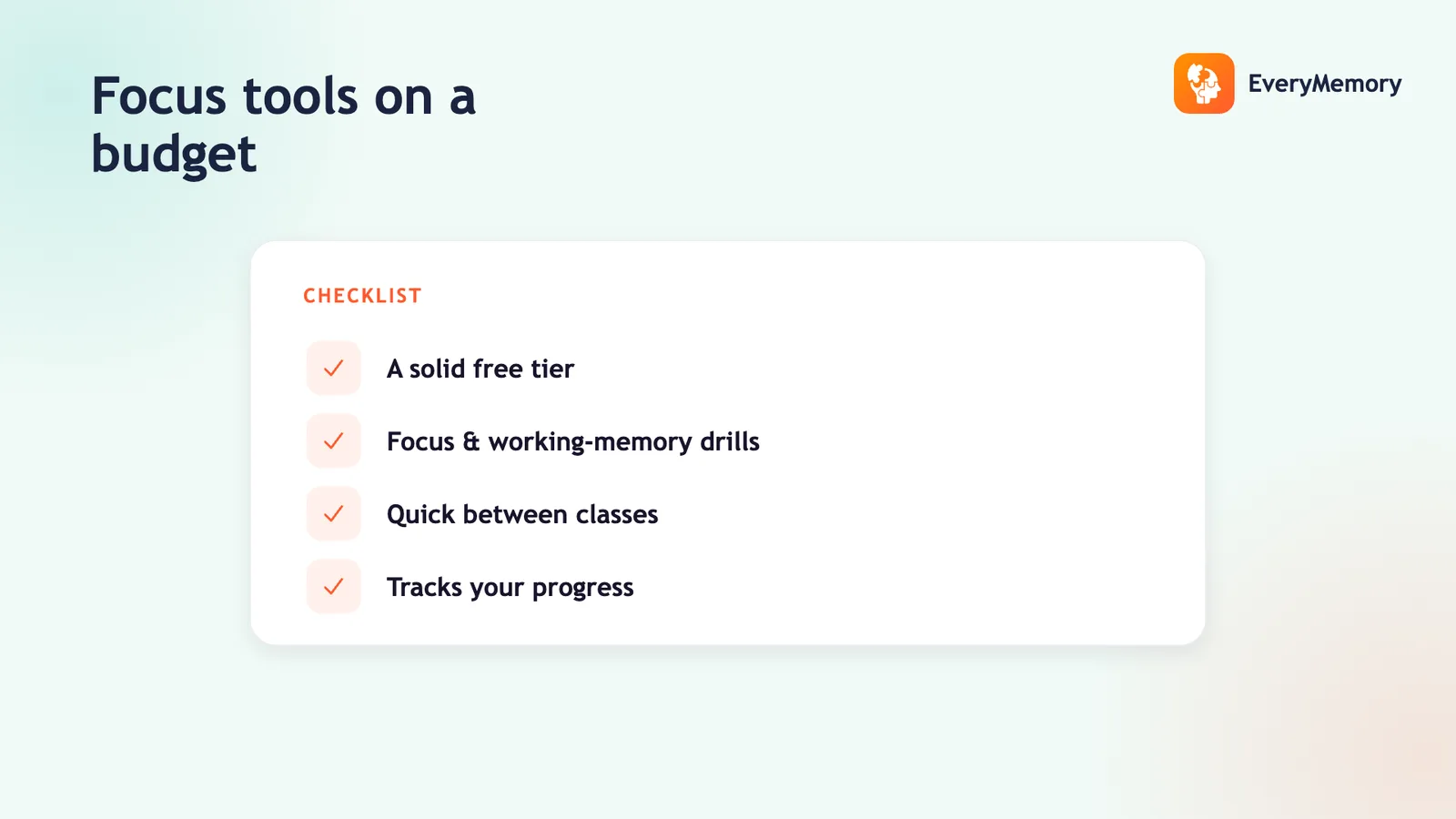
⚡ Quick answer
Students should look for a brain app that trains working memory and focus, adapts difficulty to keep you challenged, makes honest claims (it sharpens skills, it won't hand you grades), tracks your own baseline rather than fake percentiles, and has a free tier that fits a tight budget. Keep sessions short so training supports studying instead of replacing it.
Key takeaways
- Target working memory and focus - the skills studying leans on.
- Adaptive difficulty and honest tracking still rule the choice.
- Start free on a tight budget; pay only at a real limit.
- Keep sessions short so training supports studying, not replaces it.
As a student you have limited time and money, so a brain app has to earn both. The pitch - "train your brain for better grades" - is mostly hype. But the right app can sharpen the working memory and focus that studying leans on, if you pick on the right criteria.
This guide is about what to look for, not which brand to buy. It also draws a clear line: brain training supports the cognitive skills behind studying, but it doesn't replace actual studying. Here's how to choose well and use it without wasting study time.
Train the skills studying depends on
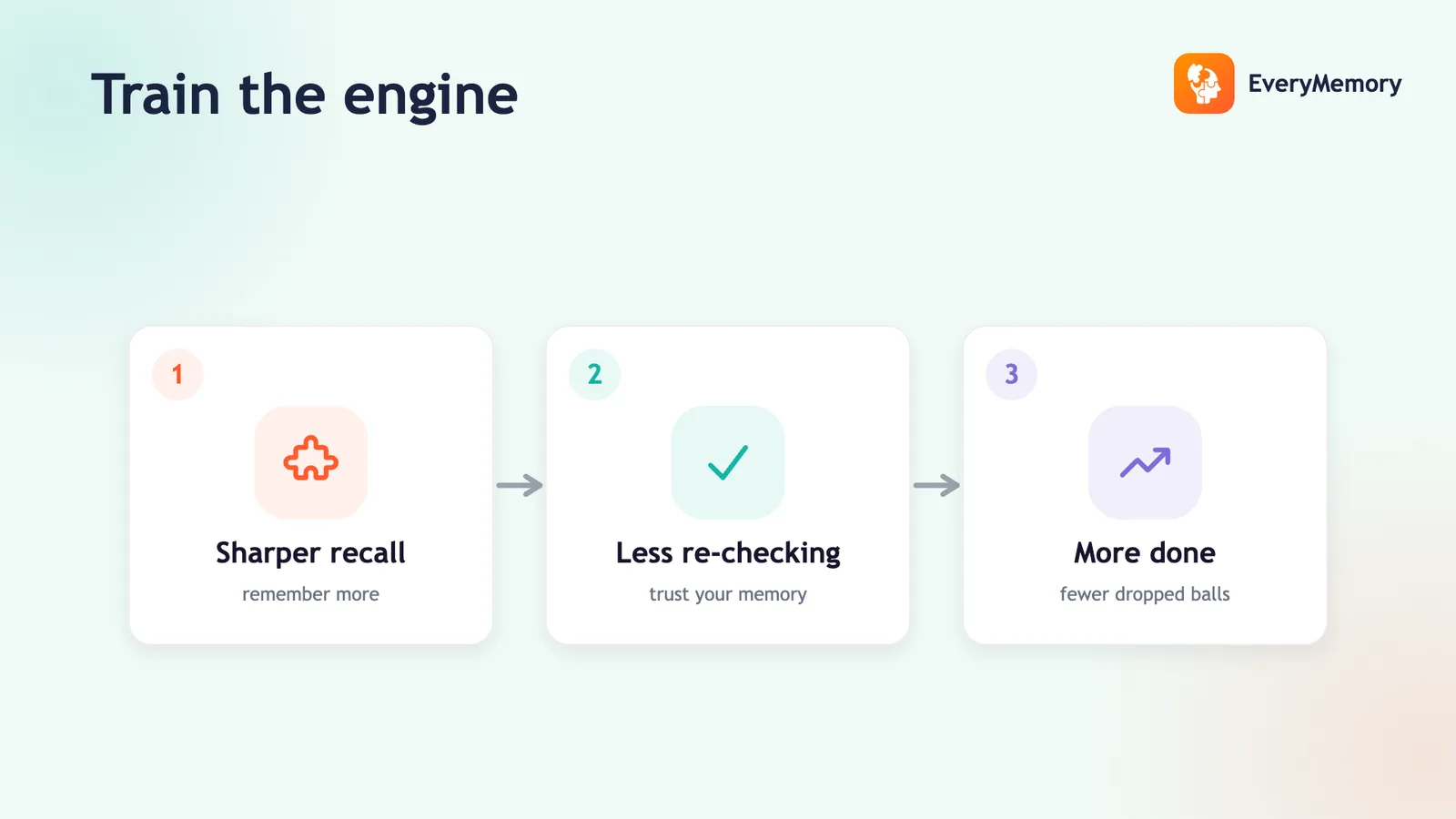
Studying draws on working memory (holding information while you work with it) and sustained focus (staying on the page despite distraction). Those are exactly the skills brain games train well. So look for an app that emphasises them rather than a scattershot of unrelated mini-games.
| Skill | Why it helps studying | Game type to look for |
|---|---|---|
| Working memory | Hold and manipulate information | N-back, grid recall |
| Focus / attention | Stay on task, resist distraction | Target-spotting, selective attention |
| Processing speed | Work through problems faster | Timed match / sort |
| Flexibility | Switch between topics or rules | Task-switching games |
Adaptive and honest still rule
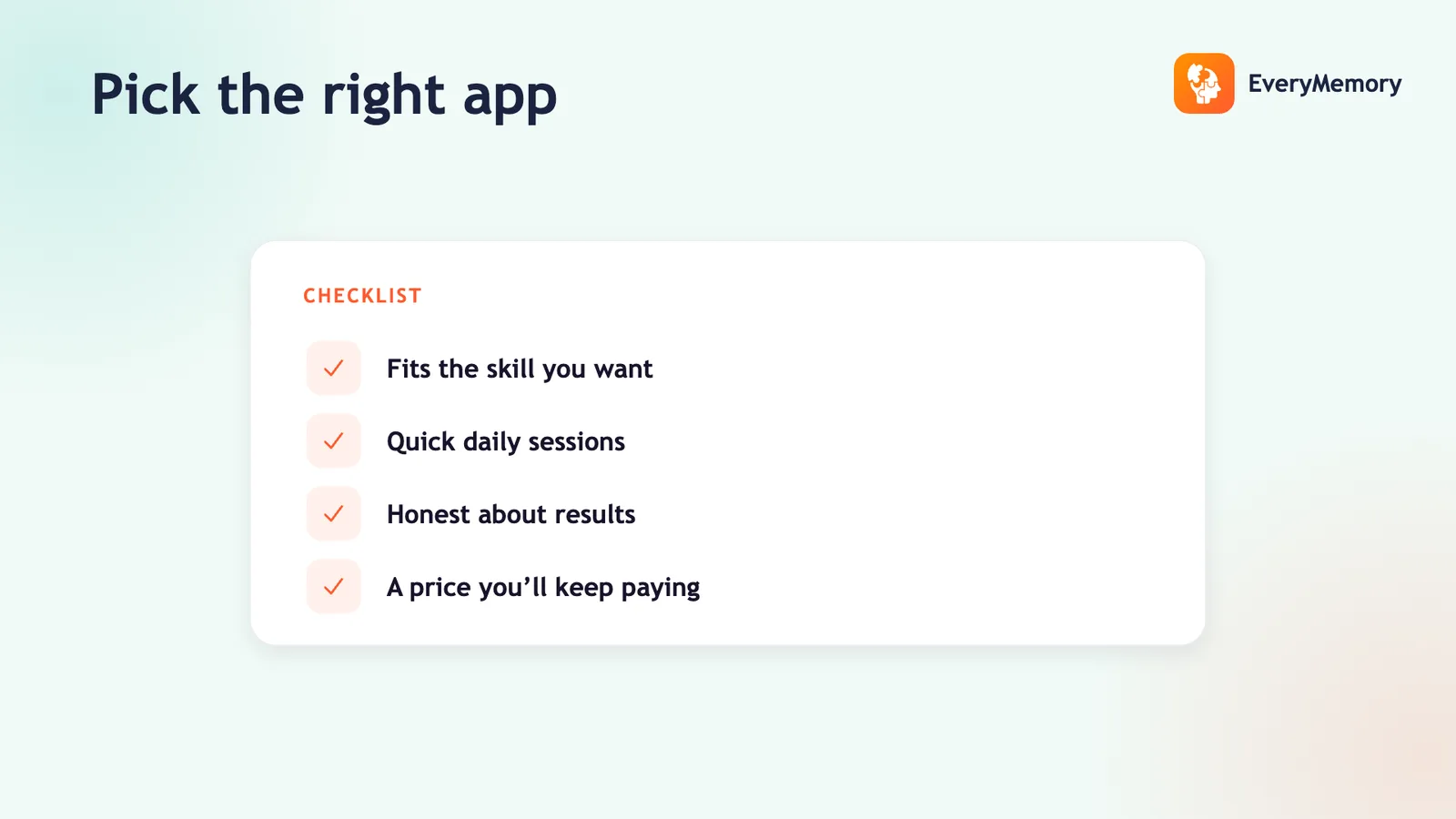
The student-specific need doesn't change the core criteria. The app should adapt to your level so it keeps challenging you as the semester goes on, and it should track your own baseline rather than rank you with a fake percentile. Test adaptivity the usual way - play well, then badly, and watch it respond.
Be honest with yourself about the claims, too: an app sharpens the skills behind studying; it doesn't deliver grades. The evidence on transfer is limited, and a clear-eyed view keeps your expectations and your time in the right place.
Budget: free first, always
On a student budget, start with a free app and only pay if you hit a genuine wall. A solid free tier covers a baseline and consistent training of one or two skills, which is most of the benefit. The trade-offs are in paid vs free brain training apps.
Watch for apps that paywall before you've played - if you can't try it free, you can't tell if it's worth it. EveryMemory is free to start, adaptive, and percentile-free, which makes it a low-risk place to begin.
Use it without stealing study time
The trap is letting "brain training" become procrastination dressed as productivity. Keep sessions short - five to ten minutes - and treat them as a warm-up or a break, not a substitute for the work. Used that way, the focus you build carries into the study session itself.
For applying that sharper focus to real tasks, see memory training for productivity.