 EveryMemory
How to Choose a Brain Training App
A step-by-step way to choose a brain training app: define your goal, test whether it adapts, check the tracking is honest, and try it free before paying.
Part of the guide: How to Keep Your Brain Healthy: A Complete Lifestyle Guide →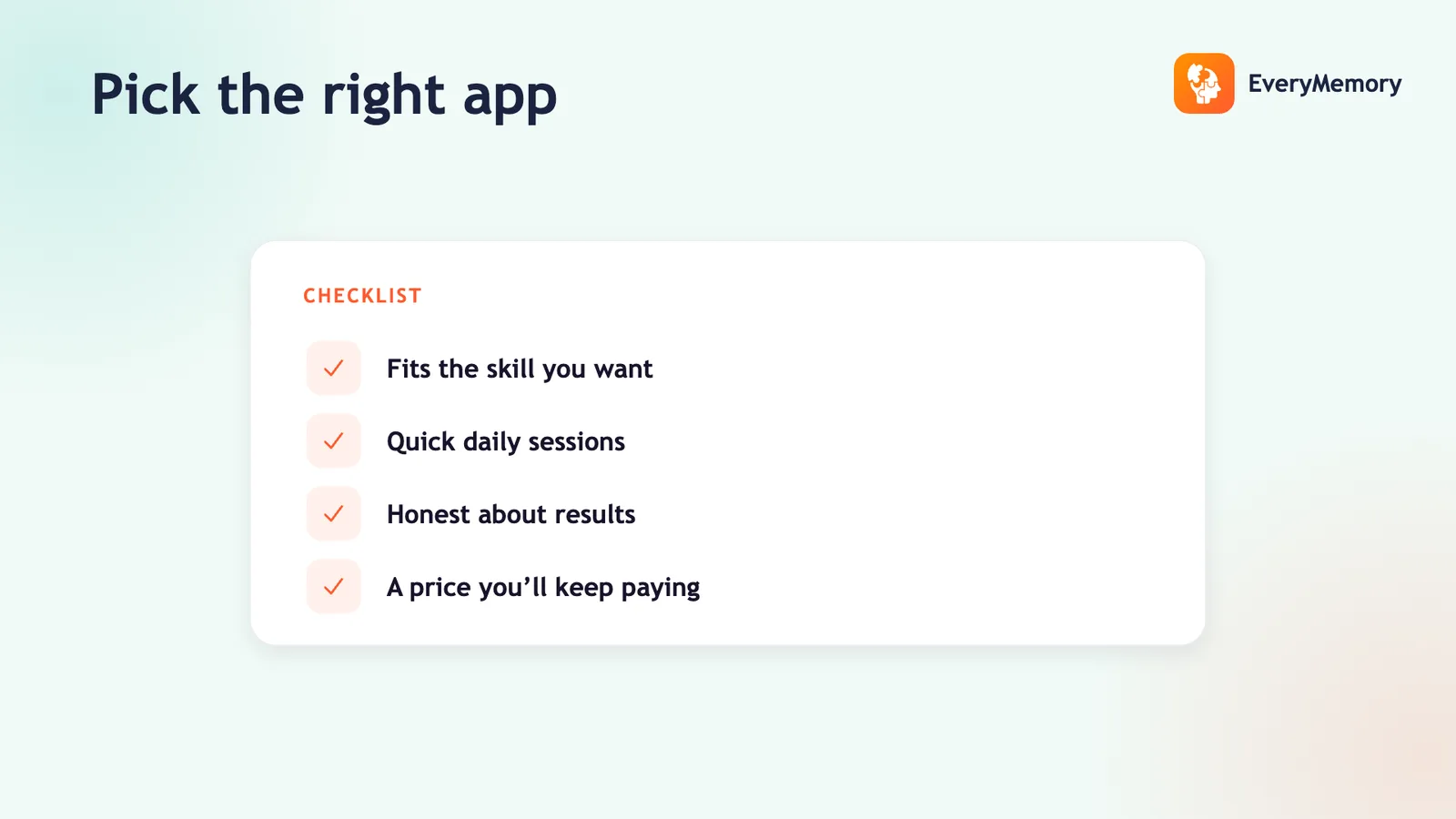
⚡ Quick answer
Choose a brain training app in four steps: define one goal (focus, working memory, processing speed), shortlist apps that target it, test each for adaptive difficulty and self-relative tracking during the free trial, and check the claims are honest - trained skills improve, broad transfer is limited. Pay only after an app passes the test in your own hands.
Key takeaways
- Start by naming one concrete skill to train, not "get smarter".
- Test adaptivity by playing well then badly and watching the response.
- Check the stats screen tracks you over time, not against strangers.
- Always try free and see a baseline before paying.
Choosing a brain training app shouldn't start with the app store charts. It should start with a question: what are you actually trying to improve? Get that clear and most of the field eliminates itself.
Below is a short, repeatable process. It takes about ten minutes per candidate and saves you from paying for something that turns out to be a streak counter dressed up as training.
Step 1 - Decide what you want to train
"Get smarter" isn't a goal you can shop for. Pick something concrete: holding more in mind at once (working memory), staying on task (focus), reacting faster (processing speed), or remembering names and lists (recall). Your goal narrows the field, because apps emphasise different skills.
- Name the single skill that would help you most right now.
- Find apps whose games clearly target that skill, not a grab-bag of mini-games.
- Ignore apps that promise everything - breadth usually means shallowness.
Step 2 - Test for adaptive difficulty
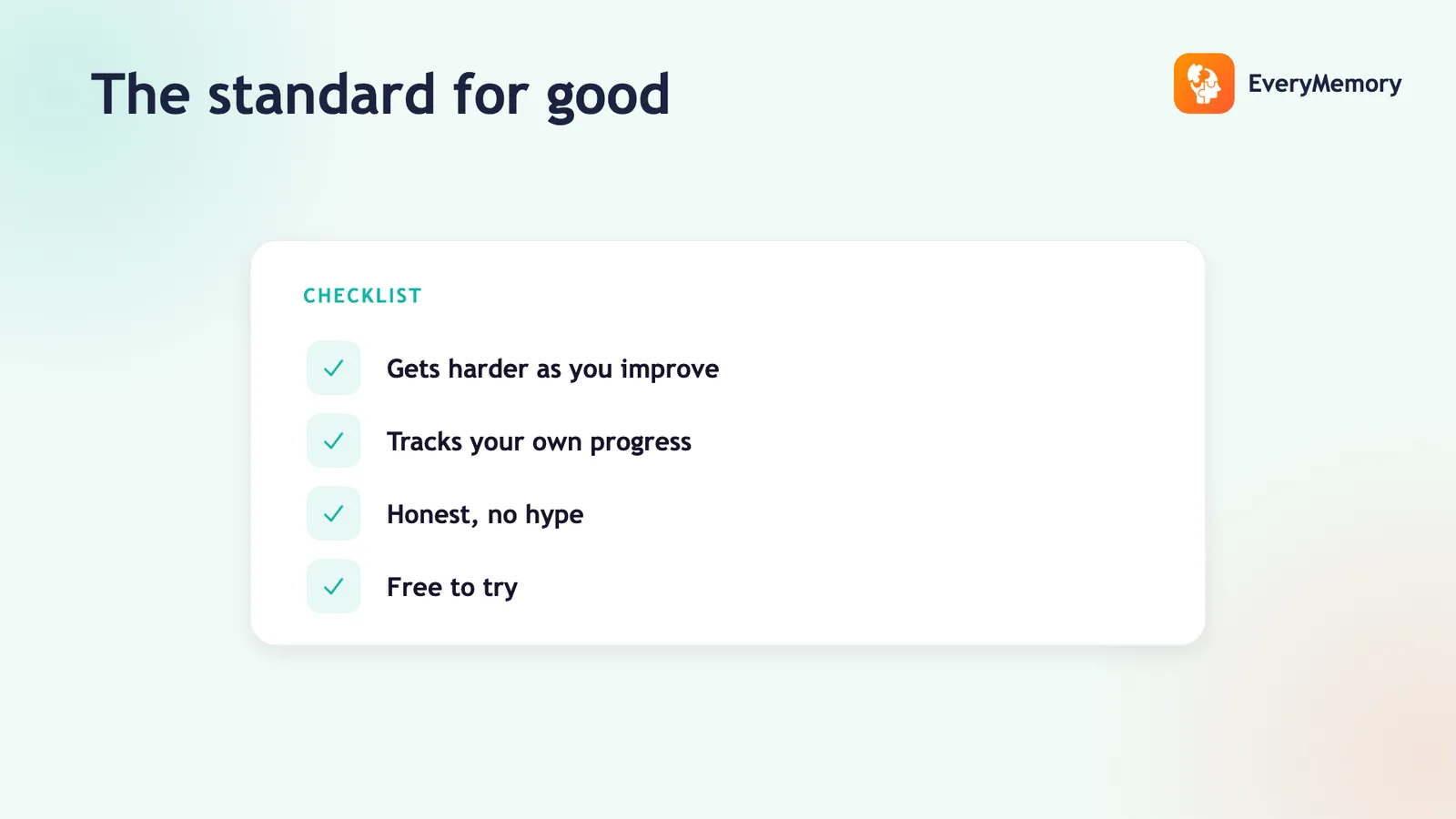
During the free trial, deliberately play one round well and one round badly. A real training app reacts: it ramps up when you're cruising and backs off when you're failing. If the levels stay identical regardless of how you perform, the app isn't training you - it's running you through a fixed playlist.
Adaptivity is what keeps you in the productive zone where improvement actually happens, so it's worth this two-minute test before anything else.
Step 3 - Check the tracking is honest
Open the stats screen and ask: is this comparing me to me, or to strangers? Self-relative progress - today versus last week, on the same task - is useful and trustworthy. Percentiles and a single "brain age" number are flattering noise. An app that tracks your own baseline respects you; one that sells you a rank is selling you a feeling.
The same honesty test applies to claims. The defensible position is that you improve at what you practise; broad transfer is limited - the balanced view in do brain games really work.
Step 4 - Try before you pay
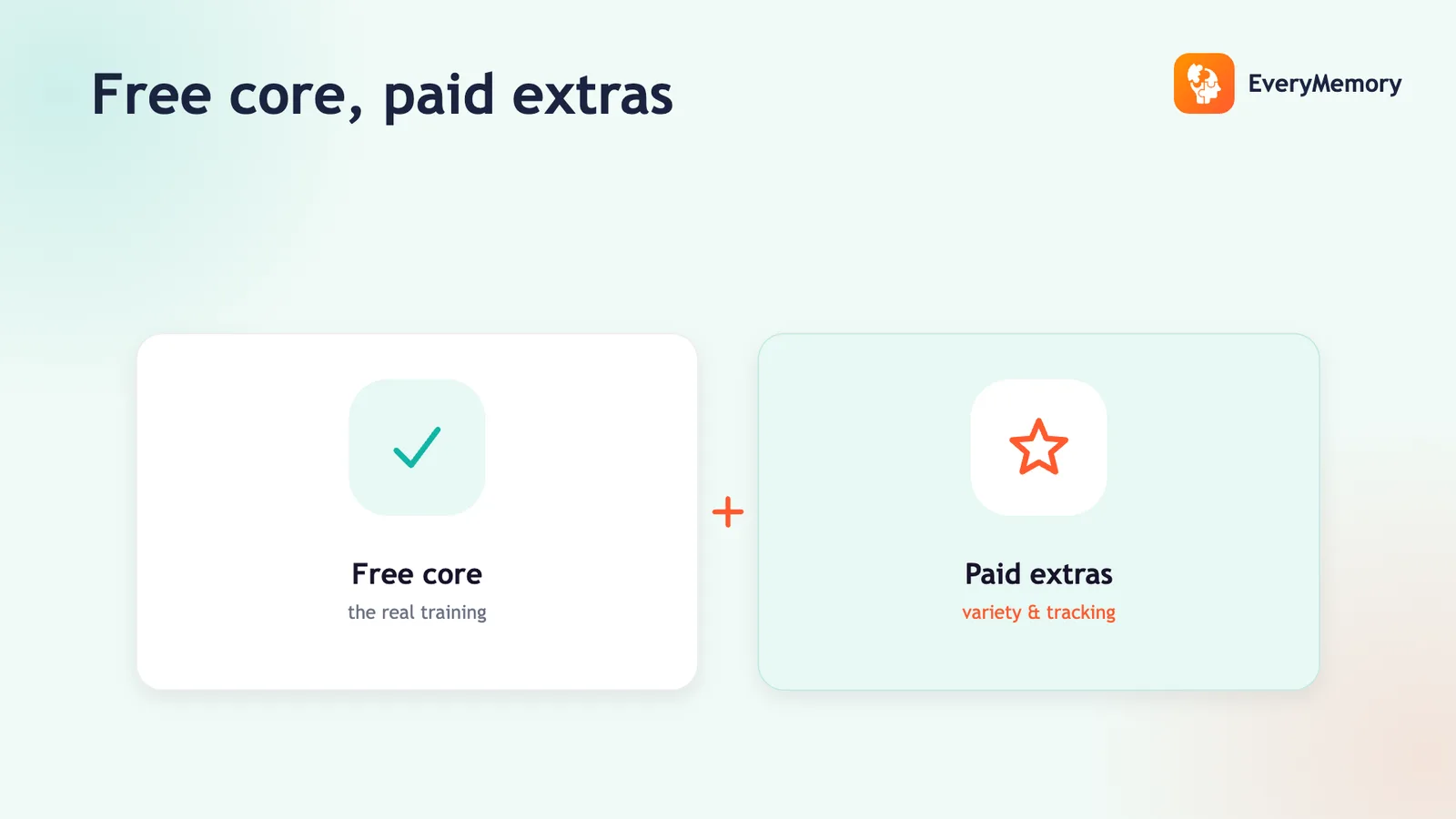
Any app worth its subscription lets you play and see your baseline before the paywall. If you're asked for a card before you've completed a single exercise, that's a signal the product can't sell itself on the experience. The paid vs free trade-offs are worth weighing here.
EveryMemory fits this process by design: it adapts to your level, sets a starting level from your own score, shows no fake percentiles, and lets you take a baseline and train for free first. Run the four steps on it and any rival, and pick the one that passes in your hands.