 EveryMemory
Brain Training Apps for Seniors: What to Look For
What to look for in a brain training app for seniors - large clear controls, gentle adaptive difficulty, honest non-medical claims, and no fear-based marketing.
Part of the guide: How to Keep Your Brain Healthy: A Complete Lifestyle Guide →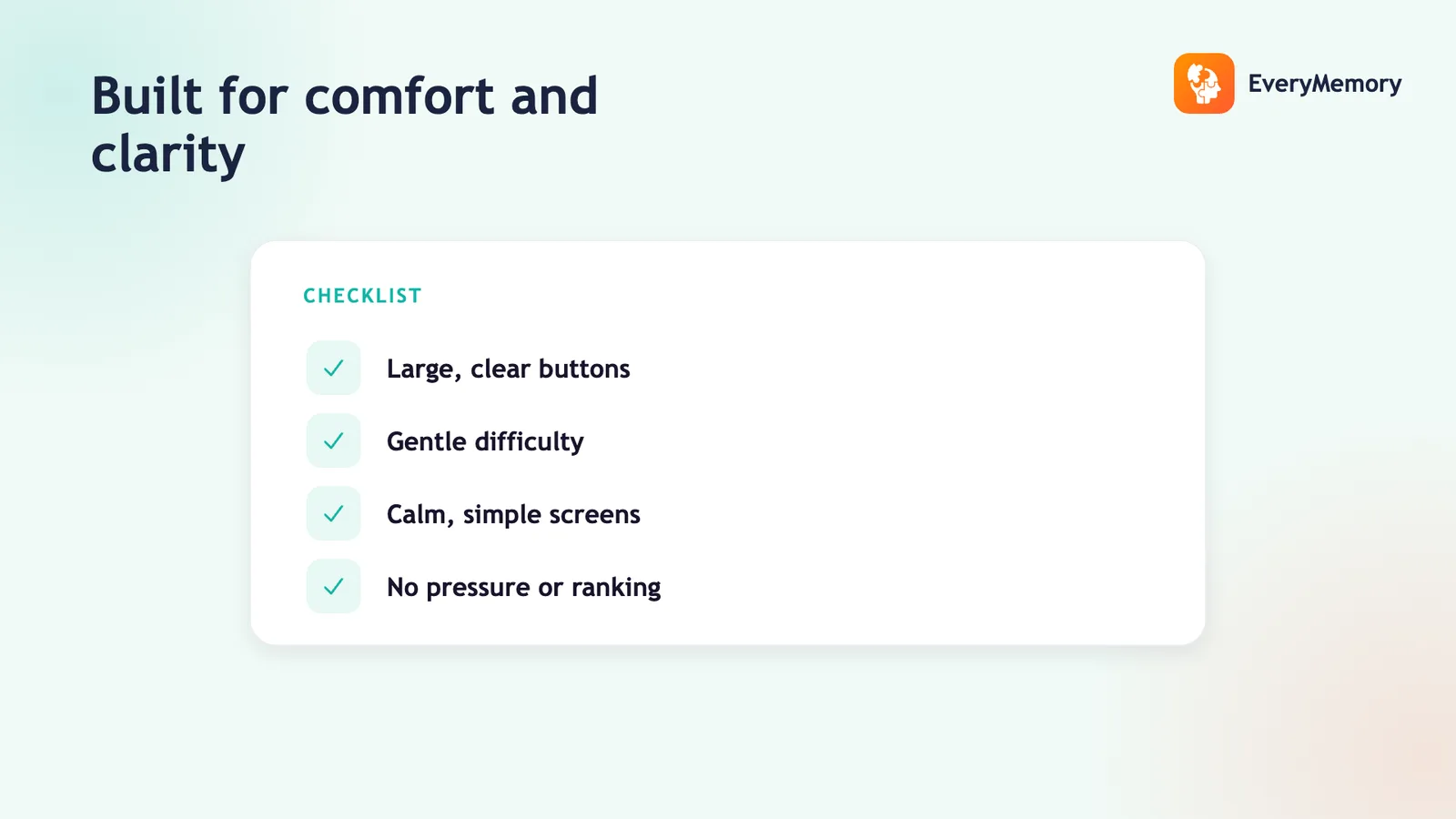
⚡ Quick answer
For seniors, look for a brain training app with large, clear controls and readable text, difficulty that adapts gently rather than punishing mistakes, claims that stay non-medical and honest (it won't prevent decline), tracking against your own baseline instead of fake percentiles, and a calm tone with no fear-based marketing. Free to try matters too, so there's no risk in testing it.
Key takeaways
- Prioritize readable design with large, high-contrast controls.
- Look for gentle adaptive difficulty that encourages, not punishes.
- Reject any app claiming to prevent decline or treat memory loss.
- Walk away from fear-based marketing; start free and track your own progress.
Brain training apps are marketed to older adults more aggressively than to anyone else, and often with the least honest claims - promises to protect memory or stave off decline that no app can keep. Choosing well means filtering that out and focusing on what genuinely helps.
This is a checklist, not a brand ranking. The right app for an older adult comes down to readable design, gentle adaptivity, honest claims, and a complete absence of fear-based selling. Here's how to judge each.
The senior-specific checklist
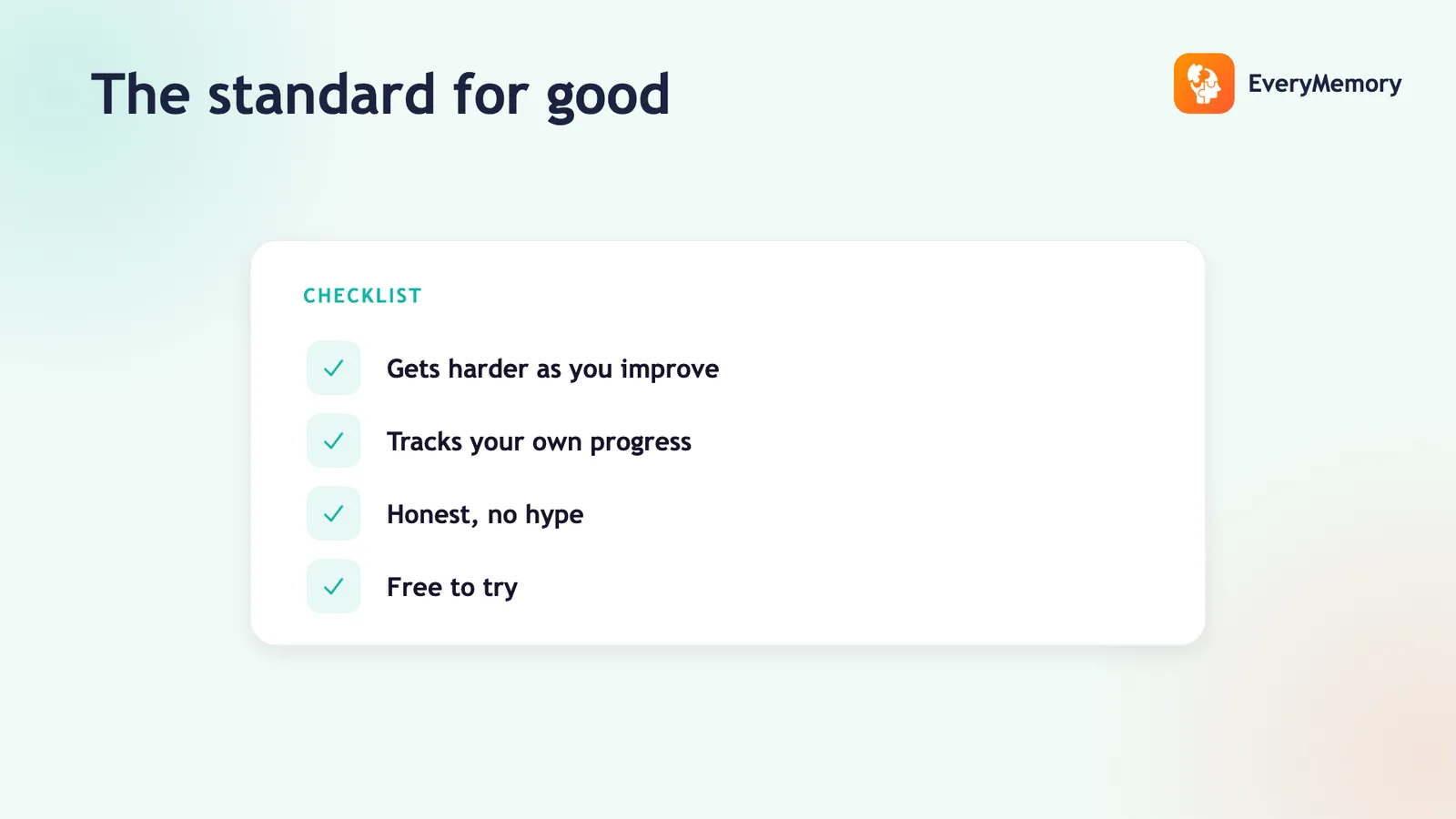
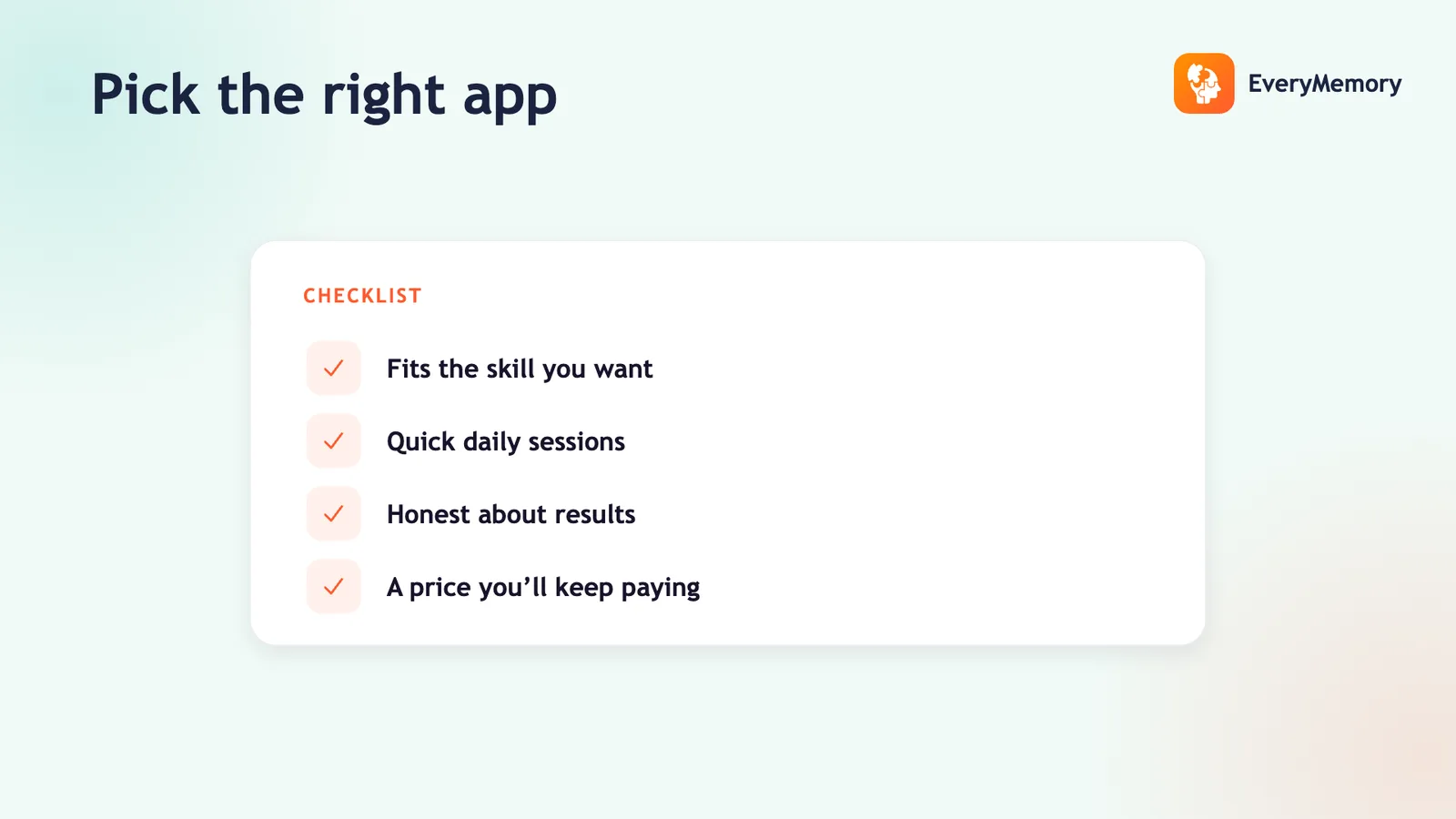
The criteria that matter for any app still apply, but a few weigh more heavily for older users. Use this checklist when judging any app.
| Look for | Avoid |
|---|---|
| Large text, high-contrast controls | Tiny targets, cluttered screens |
| Gentle adaptive difficulty | Punishing fixed levels |
| Honest, non-medical claims | "Prevents decline" promises |
| Your-own-baseline tracking | Fake percentiles / "brain age" |
| Calm, encouraging tone | Fear-based marketing |
Design for comfort, not flash
Readability isn't a nice-to-have - if the controls are fiddly or the text is small, frustration ends the session before any training happens. Look for large tap targets, strong contrast, and clear instructions. The best senior-friendly apps feel calm and uncluttered, not busy.
Adaptivity matters here in a particular way: difficulty should stretch gently and ease off after misses, so the experience stays encouraging rather than discouraging. An app that hammers you with failure isn't training, it's deterring.
Be ruthless about honesty
This is where to be strictest. No app prevents dementia, treats memory loss, or protects against decline - and any app implying it does is making a claim it can't back. Brain training is practice that improves the skills you work on; it is not a medical intervention. The honest evidence is here.
Walk away from fear. Marketing that leans on dread of decline is selling anxiety, not a better app. A trustworthy app offers a calm, useful activity and lets the practice speak for itself.
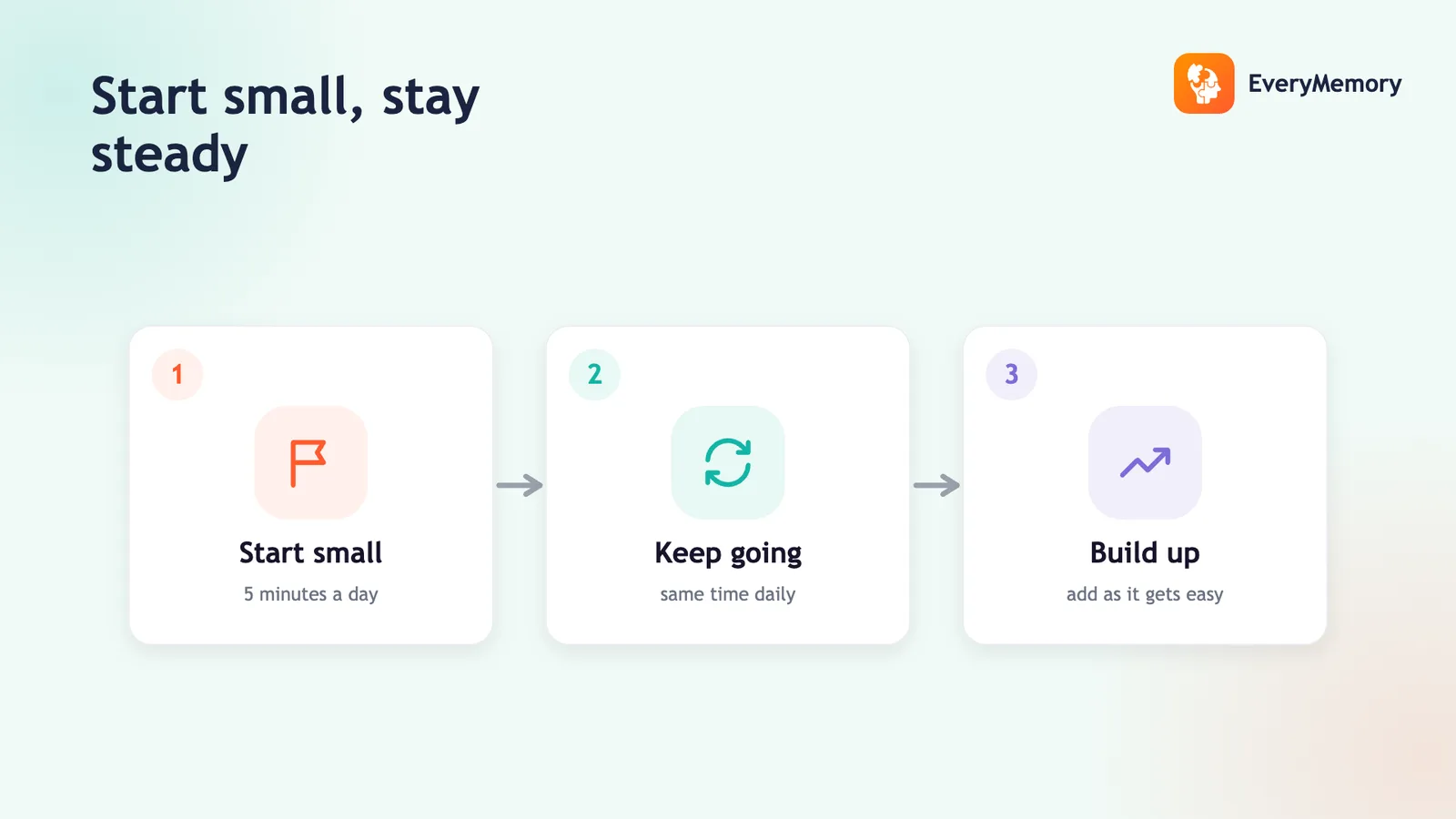
Start free, track your own progress
There's no reason to pay before trying. A free baseline shows whether the app suits you, and self-relative tracking - your score this month versus last - gives an honest, motivating picture without comparing you to strangers. That comparison is the part to ignore.
EveryMemory fits the checklist: clear design, adaptive games, non-medical and percentile-free, free to start. For the broader picture of training as an adult, see brain training for adults.