 EveryMemory
How to Improve Focus at Work
Most lost focus at work is interruptions and context-switching, not weak discipline. Control your environment, protect time blocks, and match tasks to your energy.
Part of the guide: Brain Exercises for Seniors: The Complete Guide →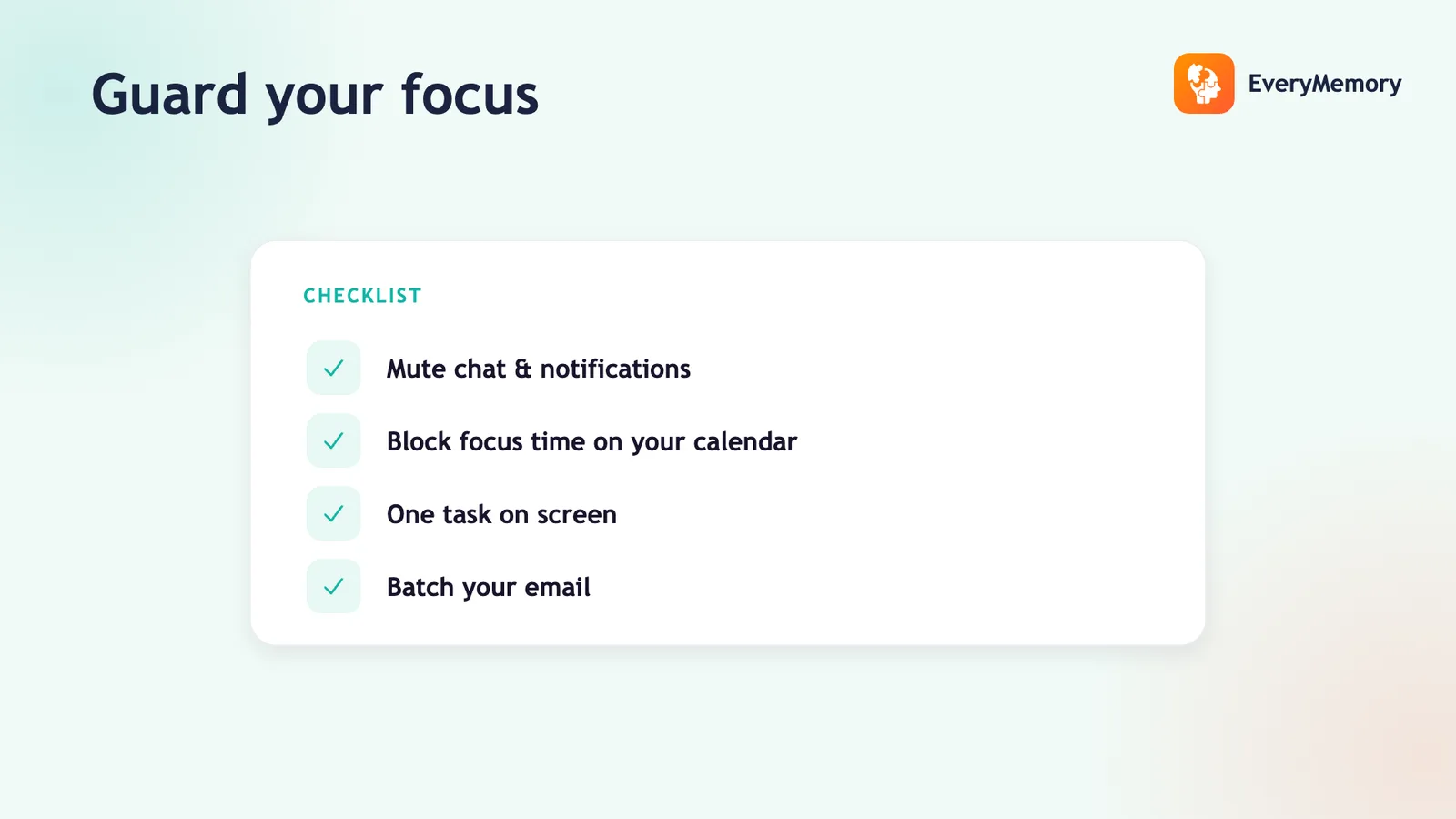
⚡ Quick answer
To improve focus at work, control your environment more than your willpower: silence notifications, close extra tabs and email, and protect blocks of uninterrupted time. Tackle your most demanding task when your energy is highest, work in focused intervals with short breaks, and single-task. Most lost focus at work is interruptions and context-switching, not a lack of discipline.
Key takeaways
- Most lost focus at work is interruptions and context-switching, not weak discipline.
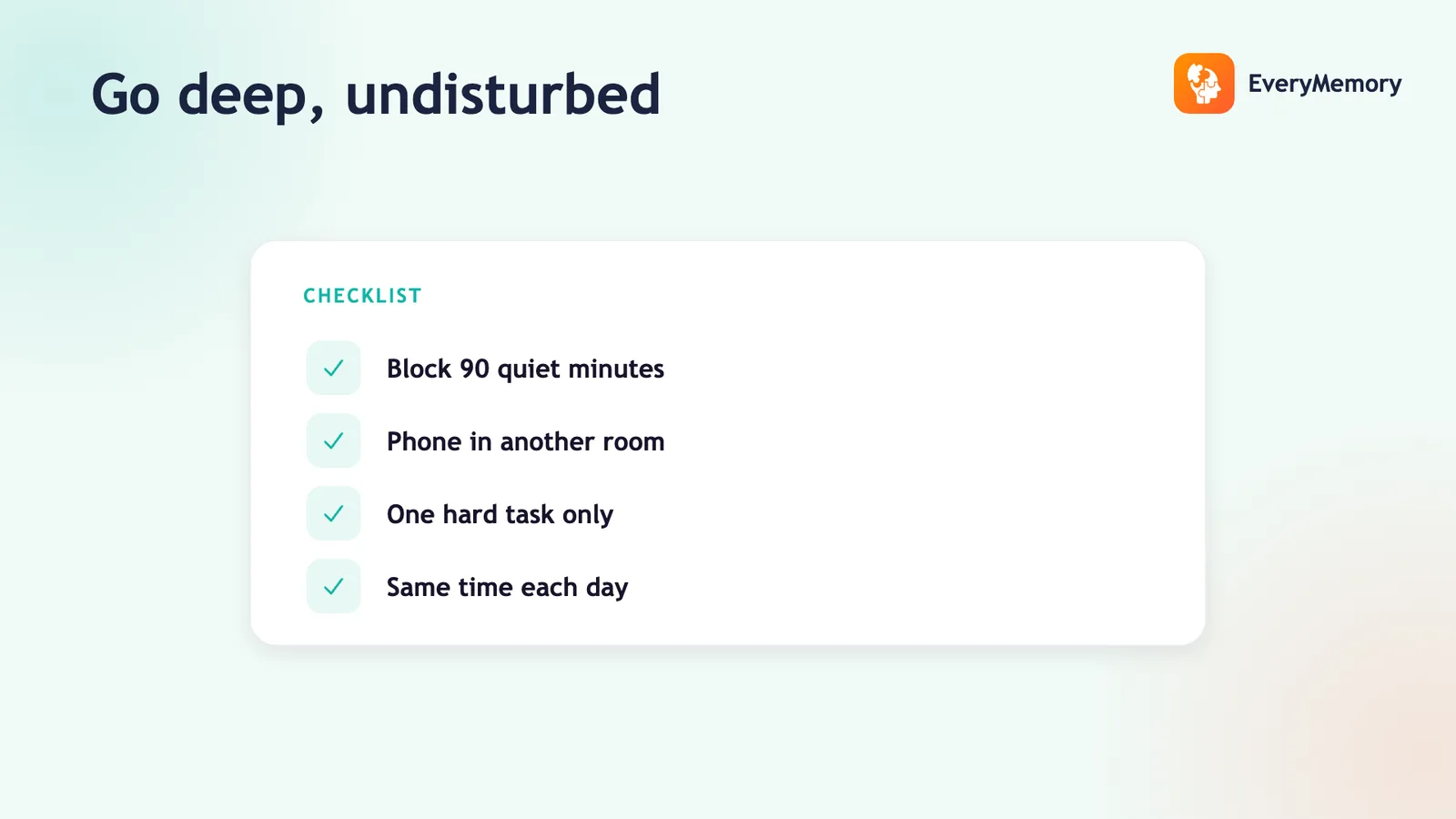
- Control your environment - silence notifications, close email/chat, one task on screen, phone out of reach.
- Protect uninterrupted blocks like meetings, and do your hardest work at your peak energy.
- Single-task, and batch shallow work (email, messages) into set windows.
Open-plan noise, a pinging inbox, back-to-back meetings, and a phone in your pocket - the modern workplace is engineered to break your focus every few minutes. No amount of willpower out-works that setup.
Here's how to get real focus at work by changing the conditions, not just trying harder.
Why focus is hard at work
Two forces dominate: constant interruptions (messages, notifications, drop-bys) and context-switching between tasks, each of which leaves part of your mind on the last thing. Together they keep you in a shallow, fragmented state where deep work never happens. The fix is structural, not motivational - see how to improve focus and concentration for the foundation.
Control your environment
Win by distance, not resistance: silence notifications, close email and chat while you focus, keep one task on screen, and put your phone out of reach. A phone you can see drains attention even unused. If your space is noisy, lyric-free background sound or noise-cancelling headphones can mask it (does music help concentration?).
Protect blocks of uninterrupted time
Schedule focus blocks the way you'd schedule a meeting, and defend them - no email, no chat, status set to busy. Even one or two protected 60–90 minute blocks a day is where your best work gets done. This is the heart of deep work.
Match demanding work to your energy
Focus isn't flat across the day. Spend your sharpest hours - for most people, mid-morning - on the hardest, most important task, and leave email and admin for the dips. Doing the demanding thing first also removes the background dread that quietly pulls at your attention.
Single-task and batch the rest
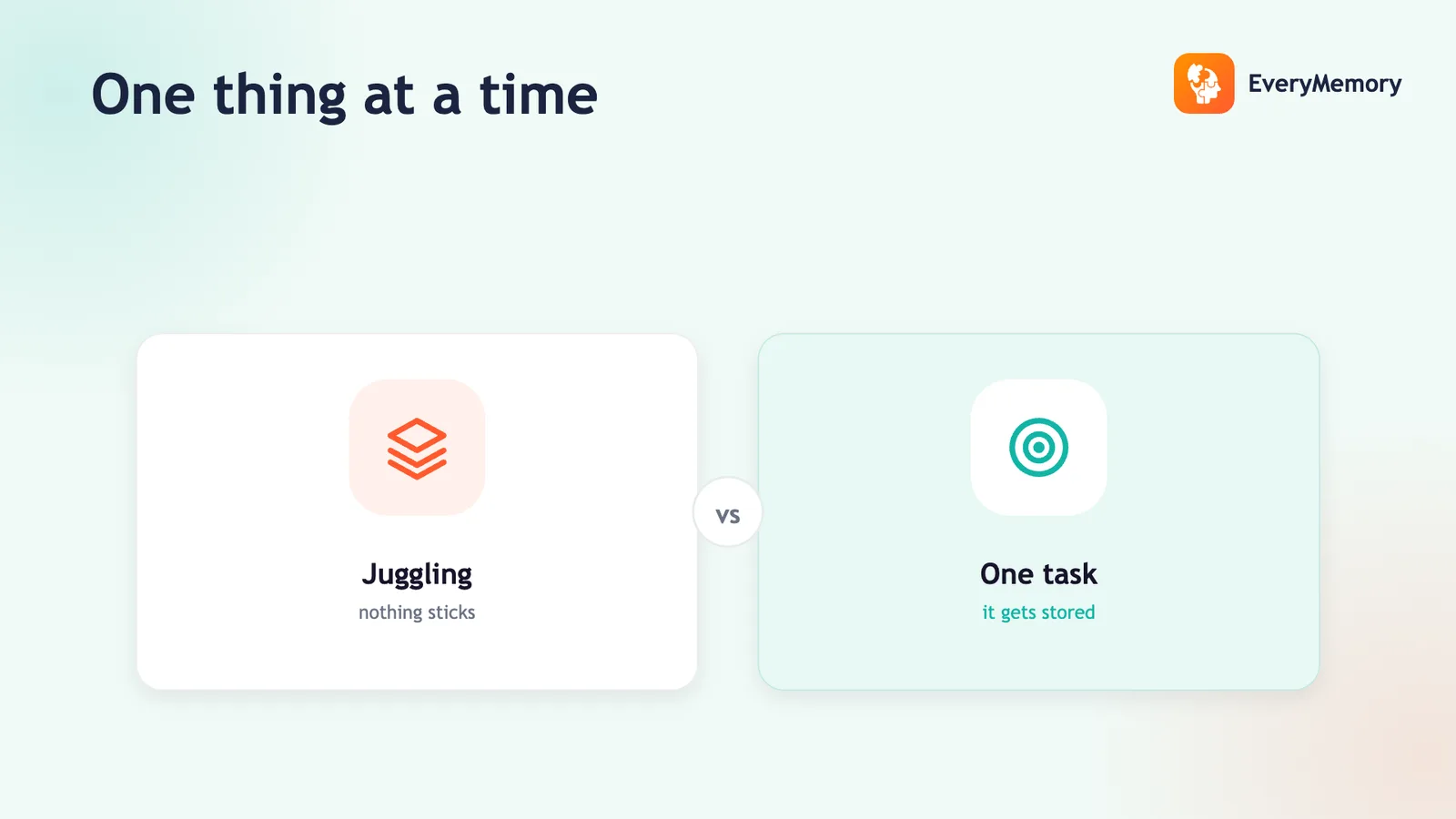
Multitasking is rapid switching, and it shreds focus and memory at work - see does multitasking affect memory? Give one task your whole attention, and batch shallow work (email, messages, small admin) into set windows rather than letting it interrupt all day.