 EveryMemory
How to Remember a Presentation
Remember a presentation by letting your slides act as cues for talking points you've rehearsed - never reading the deck - and learning the flow as a sequence of ideas.
Part of the guide: How to Improve Your Memory: The Complete Beginner's Guide →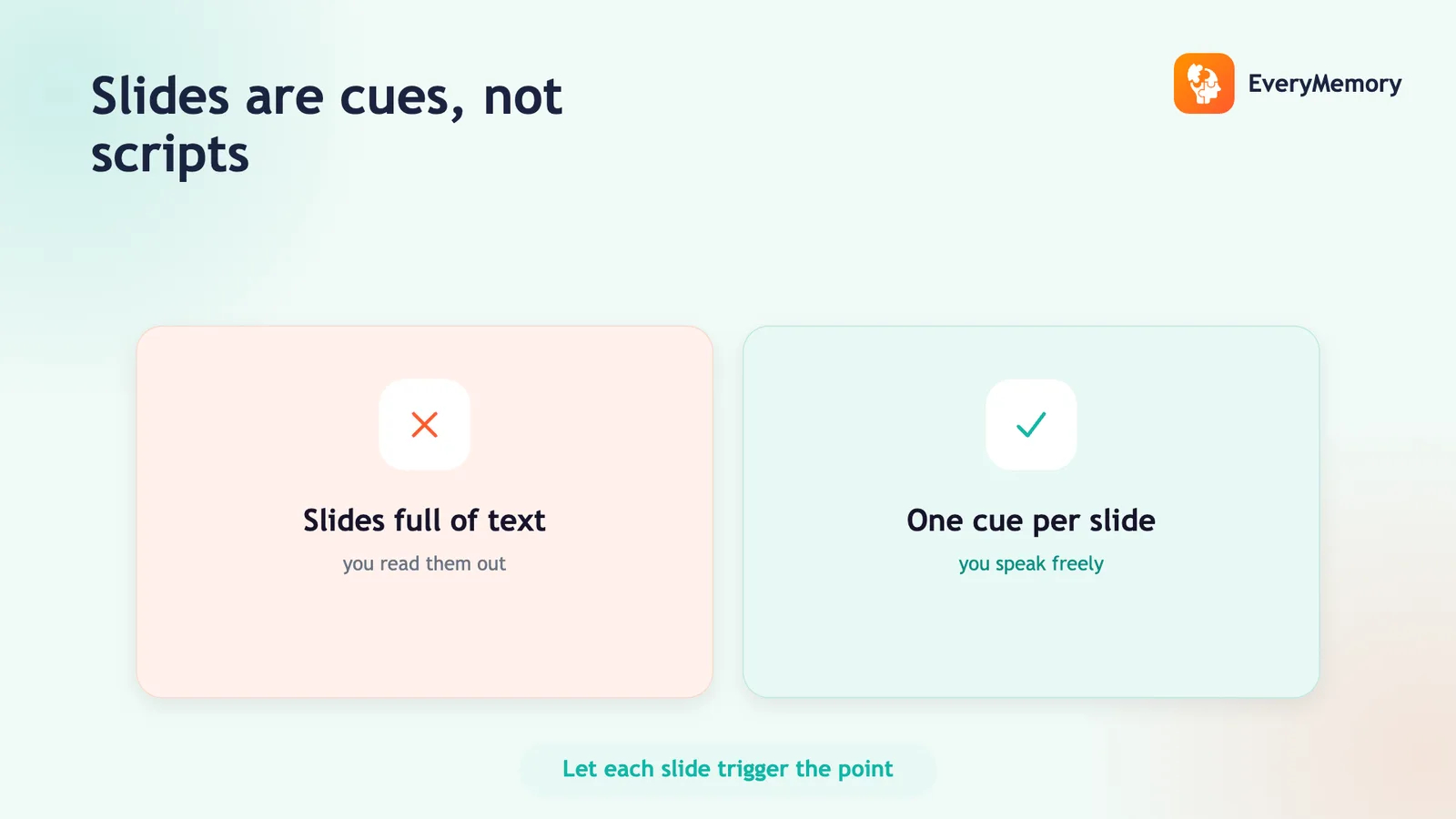
⚡ Quick answer
To remember a presentation, treat each slide as a cue for a talking point you've rehearsed - not a script to read. Learn the deck as a sequence of ideas so you know what comes next and why, rehearse the transitions between slides out loud, and keep slides visual so they prompt you without doing the talking. Prepare a few anticipated Q&A answers separately so the unscripted part doesn't catch you out.
Key takeaways
- Treat slides as visual cues for rehearsed talking points, never a script to read.
- Learn the deck as a logical sequence so each point sets up the next.
- Rehearse the transitions between slides out loud until they flow.
- Prepare the likely Q&A separately as its own memory task.
A presentation is a memory task with a built-in safety net - the slides. The problem is that most people lean on that net the wrong way, reading the deck out loud and putting the audience to sleep.
Done right, slides are cues, not a script. Each one prompts a talking point you've rehearsed but speak fresh. Get that relationship right and you'll never be lost, never be reading, and never need to memorize the whole thing word for word. Here's how.
Slides are cues, not a script
Each slide should trigger a talking point you already know - a headline, an image, a chart - not contain the sentences you'll say. If your slides are walls of text you read aloud, you've outsourced your memory to the screen and lost the room. Strip slides to a visual cue and a few words; let the talking live in your rehearsed memory. That cue-to-point relationship is what keeps you on track without reading.
Learn the deck as a sequence
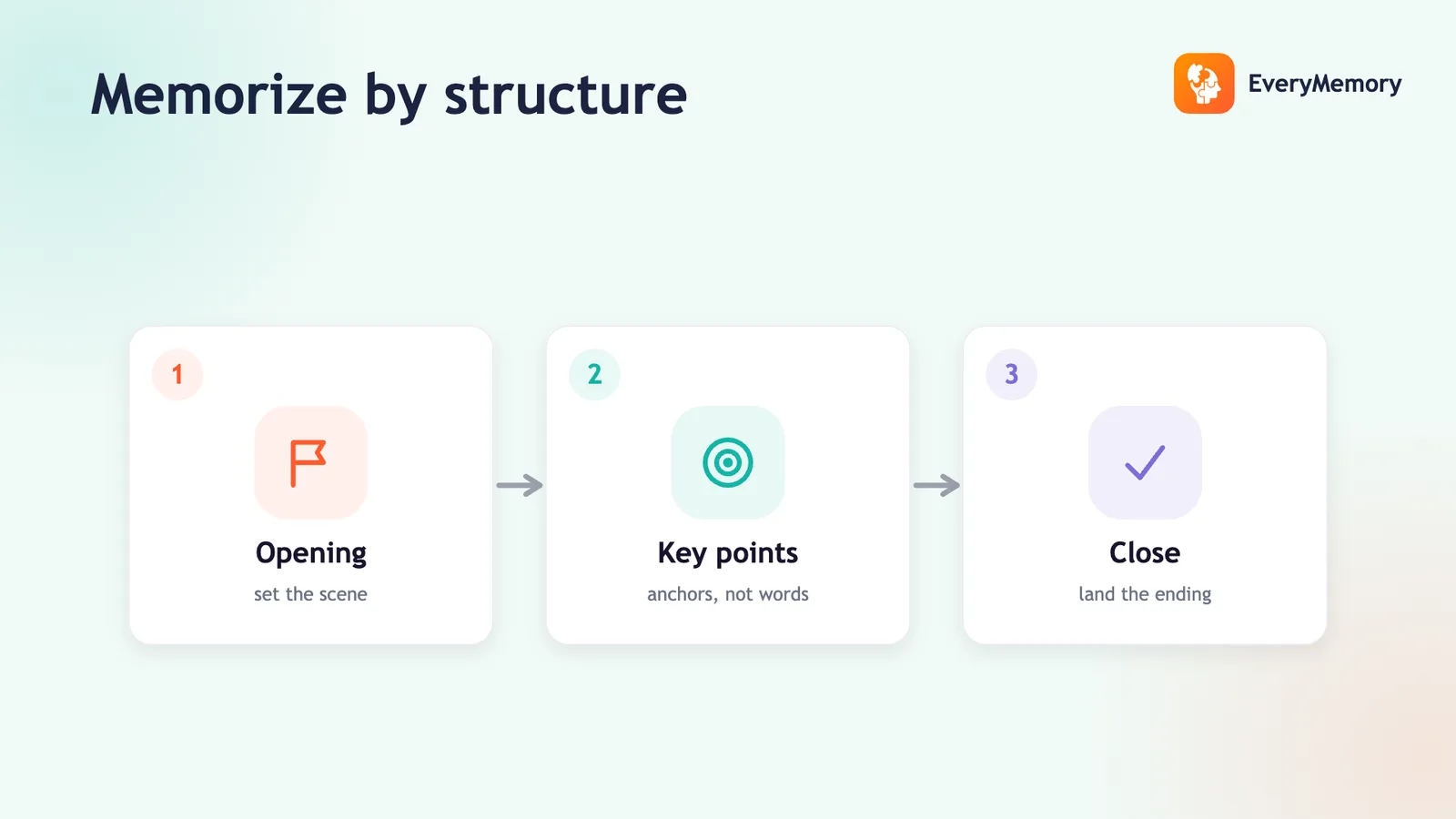
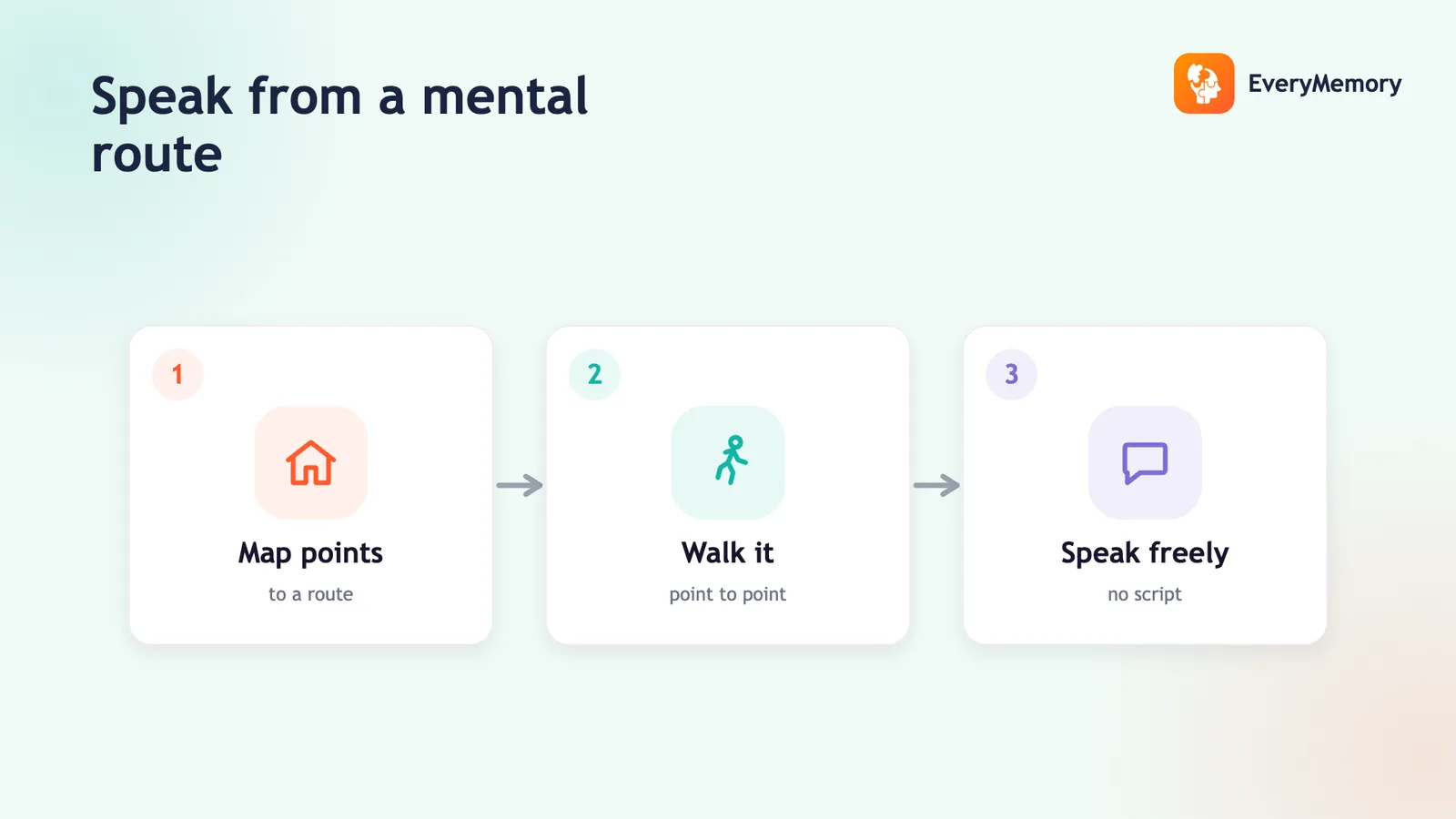
Know your slides as an ordered story: what comes next and why this leads to that. When you know the logic of the flow, the order recalls itself - each point sets up the one after. This is the same structural approach as memorizing a speech, with the deck doing the work of a memory route. Chunking the deck into three or four sections makes a long presentation far easier to hold.
Rehearse the transitions
The risky moments are the handoffs between slides - finishing one point and bridging to the next. Rehearse those out loud: the last line on one slide and the first line on the next, back to back, until each transition is smooth. A presentation that flows between slides looks effortless; one that lurches at each click looks unprepared, even when the content is good.
Use presenter notes as a net, not a crutch
Presenter view lets you keep brief notes the audience can't see - use them as a safety net, with just point headings, not full sentences. If you write a script there, you'll read it and your delivery will flatten. Glance only when you genuinely need a nudge. Rehearse enough that you rarely look.
Prep the Q&A separately
The deck ends; the questions don't. The part that ambushes people is the unscripted Q&A, so prepare it as its own memory task: list the three or four questions you're most likely to get and rehearse a crisp answer to each out loud. Knowing those cold lets you stay calm and composed when the deck is behind you and all eyes are on you.
✅ Try this today - The slide-cue rehearsal
Run your deck this way before the real thing:
- Put the deck in presenter mode and advance through it speaking each slide's point from memory - never reading the slide.
- Mark the two transitions you fumbled and drill each handoff out loud five times.
- List your three likeliest audience questions and rehearse one crisp answer for each.