 EveryMemory
How to Remember Things at Work
Stop relying on memory at work and build a system you trust. Capture every task in one place, and use in-the-moment habits for names, meetings, and details.
Part of the guide: How to Improve Your Memory: The Complete Beginner's Guide →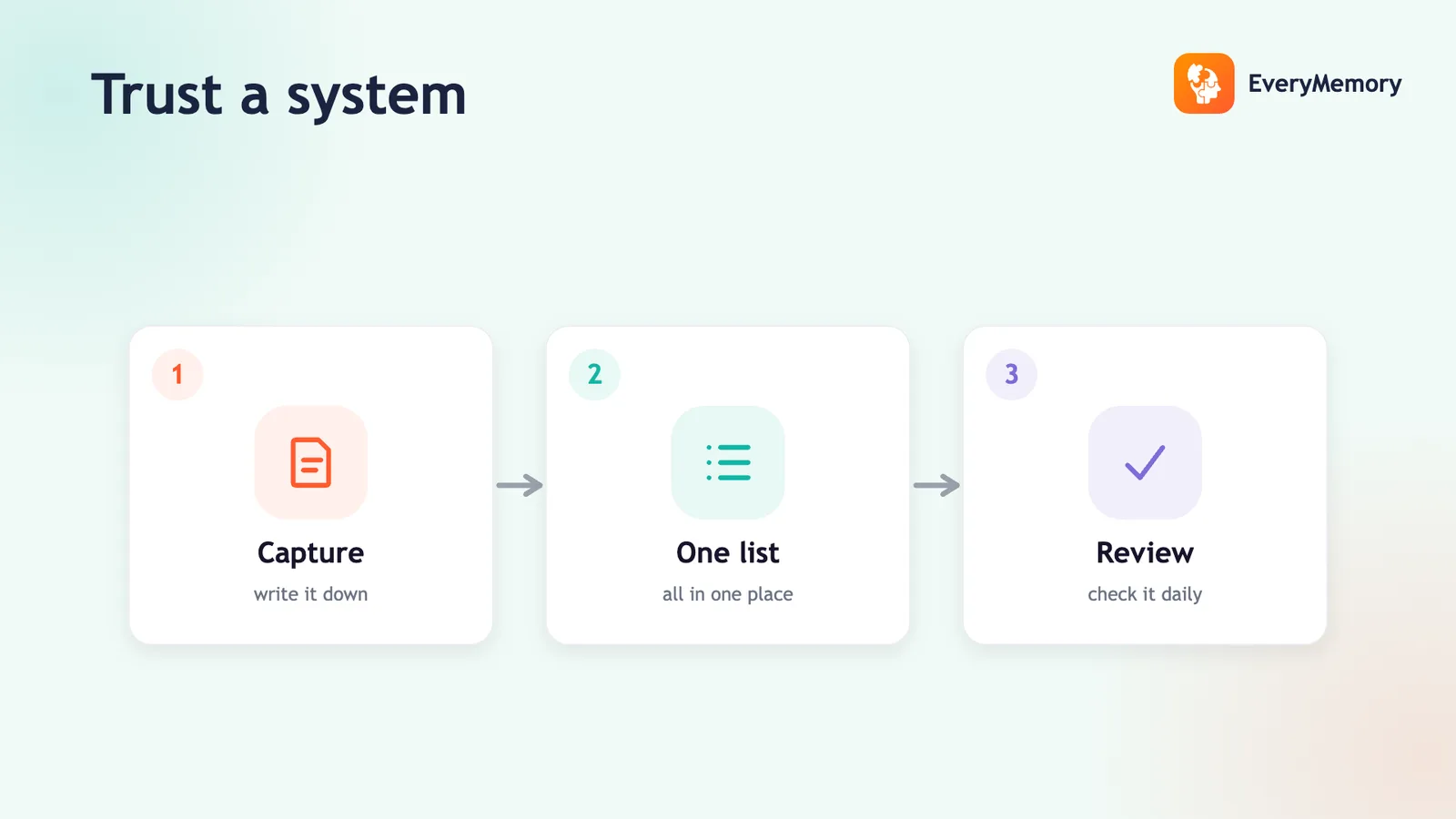
⚡ Quick answer
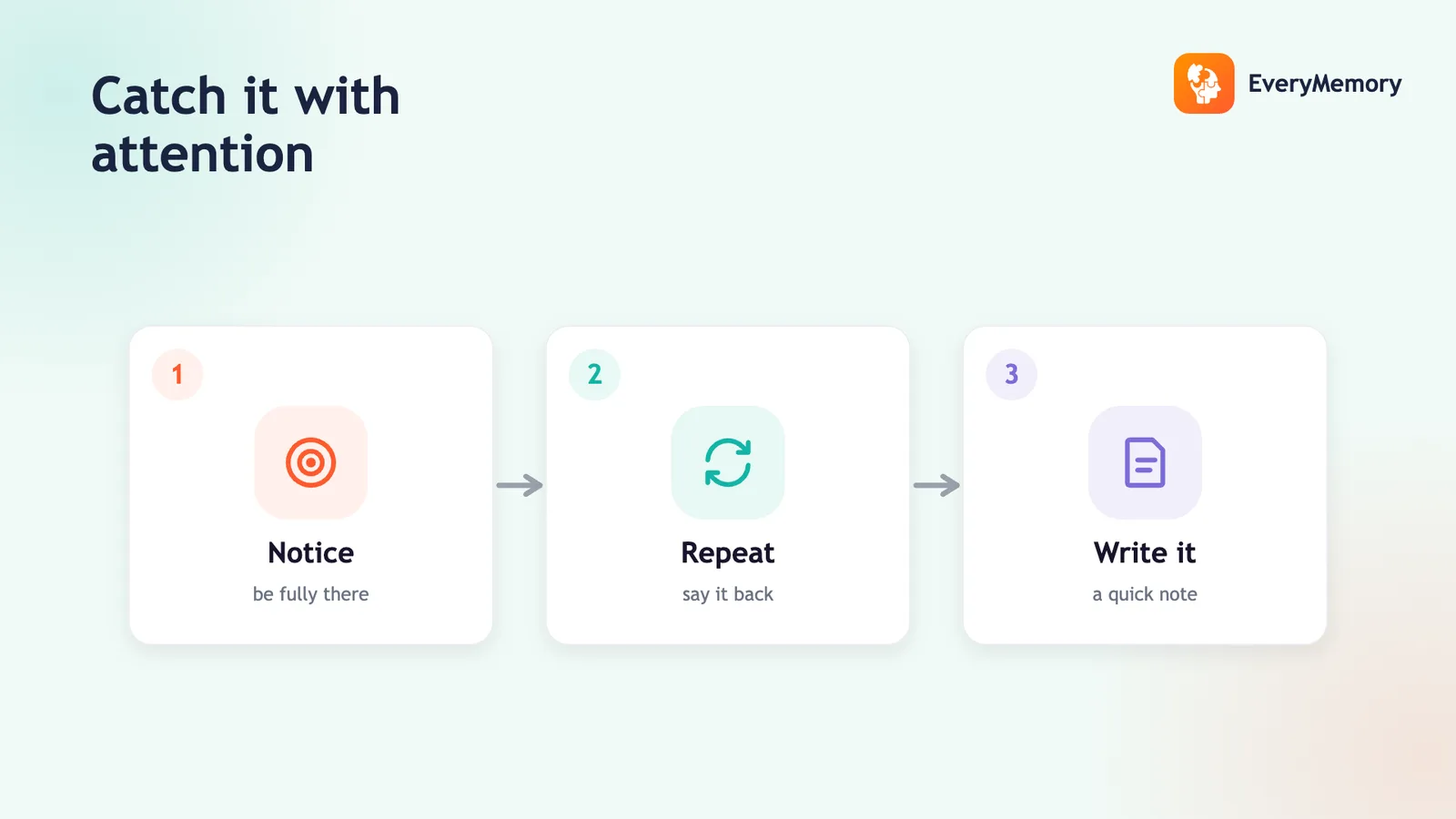
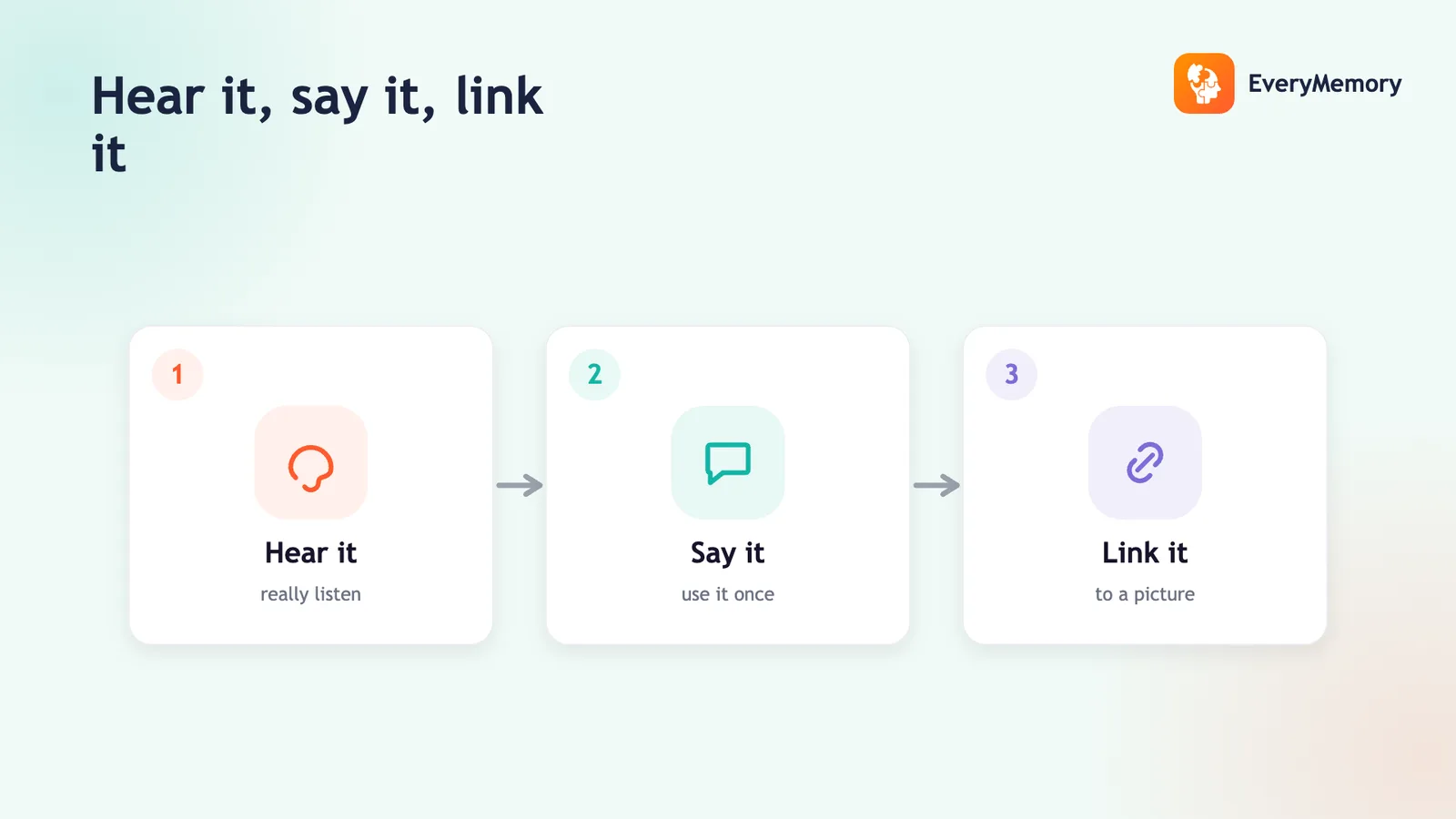
To remember things at work, stop relying on your memory and build a system you trust: capture every task and commitment in one place immediately, and reserve your memory for thinking. For names, meetings, and details, use the in-the-moment habits - full attention, say it back, link it to meaning - and write down what you don't need to carry.
Key takeaways
- Don't rely on a busy working memory - capture every task and commitment in one trusted system immediately.
- Keep everything in one place you fully trust, and check it at set times.
- For names, give attention, say it back, and link it; for meetings, take brief notes and review by recall.
- Offloading frees your memory for the real work - thinking, deciding, solving.
Forgetting a task, a name, or what was agreed in a meeting isn't usually a memory failure - it's relying on memory for jobs it's bad at, while distracted and busy.
Here's how to remember what matters at work, mostly by not depending on memory at all.
Don't rely on memory for tasks
Working memory is for thinking, not storage - and a busy workday overloads it. The fix is a trusted capture system: the moment a task or commitment appears, it goes into one place (a task list, not your head, a sticky note, and a chat message). Capturing it immediately is what stops things slipping (how to stop forgetting things).
One place for everything
The failure mode is scattering commitments across your inbox, memory, and three apps. Pick one trusted task system and funnel everything into it, then check it at set times. One place you fully trust beats several you half-trust - the same principle as remembering appointments.
Remember names and people
Names slip because they're arbitrary and you're often half-listening. Give a new colleague's name a few seconds of attention, say it back, and link it to their role or face - the three moves in remembering names easily. For client work, a quick note after the call captures the details memory won't.
Remember meetings and details
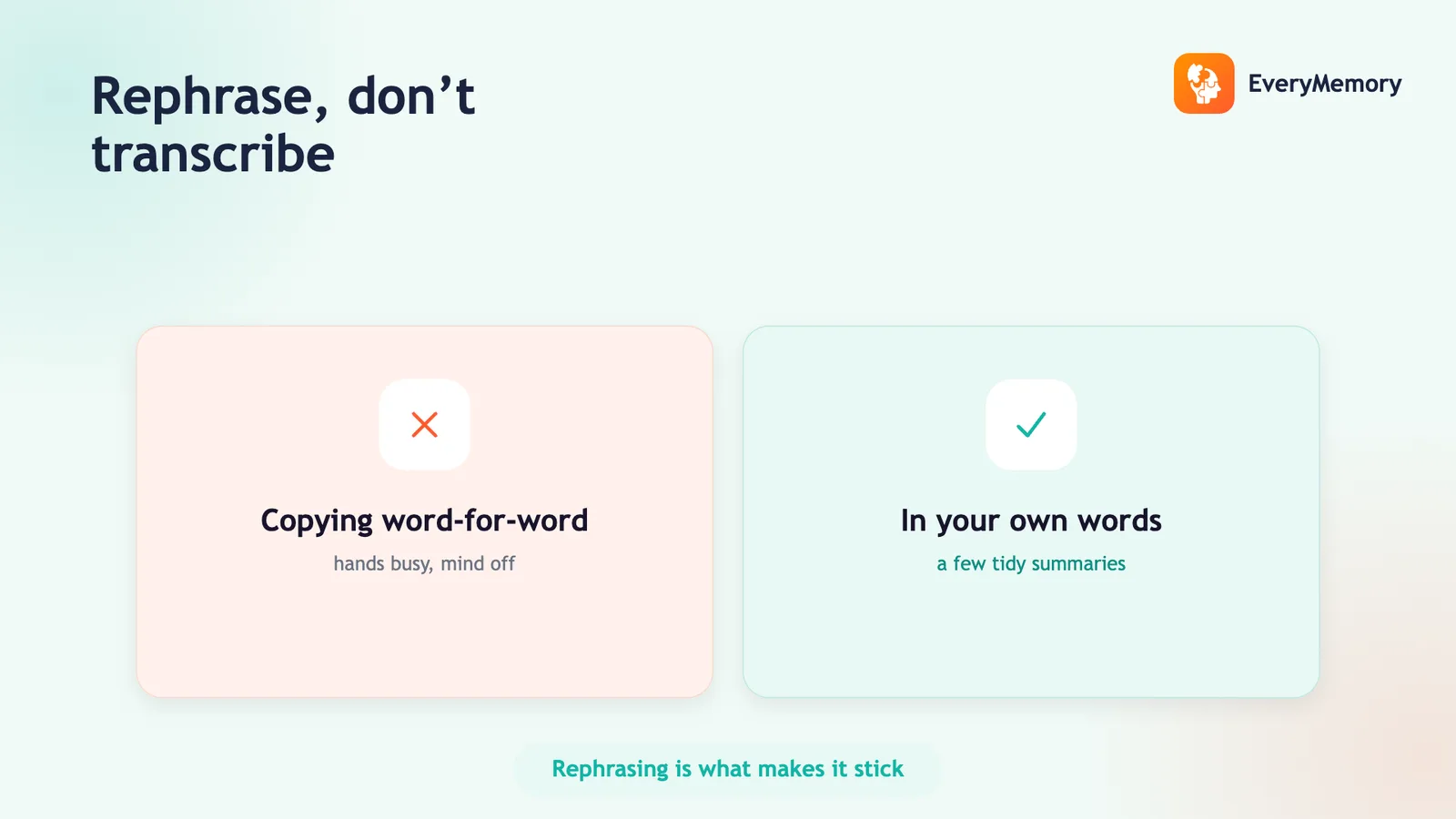
Don't trust your memory to hold what was agreed - take brief notes in the meeting, capturing decisions and action items in your own words, and review them by recall afterward rather than rereading (taking better notes). Send a short follow-up of agreed actions; writing it also fixes it in your memory.
Free your memory for thinking
Offloading tasks, names, and details to reliable systems isn't a crutch - it frees up working memory for the actual work: thinking, deciding, and solving. That's where your memory adds value, and where overload otherwise drags you down.