 EveryMemory
How to Remember Passwords Without Writing Them Down
You do not need to memorise every password. The smart split is a password manager for the many and a handful of strong passphrases for the few, here is how to make those stick.
Part of the guide: How to Improve Your Memory: The Complete Beginner's Guide →
⚡ Quick answer
Use a password manager to generate and store unique strong passwords for every site, then memorise just a few by heart using passphrases (four random words strung together, or a meaningful sentence converted into a mix of letters, numbers, and symbols). Anchor those few with mnemonic techniques, vivid association, chunking, and spacing out your logins to rehearse the recall naturally.
The average person has dozens of online accounts. Security guidance tells us each one needs a unique, strong password. But the human brain was not built to store sixty random strings of letters, numbers, and symbols, and reusing one password across sites is one of the most common ways accounts get compromised.
The solution is not a better memory trick for every single login. It is a smarter split: let a password manager remember the many, and use proven memory techniques to lock in the handful you genuinely need to recall by heart, your device passcode, your manager's master passphrase, and perhaps one or two others.
This article covers both sides of that split. You will learn how to build a passphrase that is genuinely strong and genuinely memorable, the mnemonic methods that make it stick, and why a good password manager is not a shortcut but the responsible foundation of the whole system.
You only need to memorise a handful of passwords
Before any memory technique, it helps to be honest about the goal. You almost certainly cannot memorise sixty unique, strong passwords, and you should not try. What you can do is memorise two or three with confidence.
The accounts that genuinely need a memorised credential are: your device unlock PIN or login (no manager can help you get into a locked phone), your password manager's master password (the one key that opens everything else), and possibly a backup email address used for account recovery. Everything else, every shopping site, streaming service, social platform, and work tool, can and should be handled by a manager generating long, random, unique passwords that you never see or recall.
This framing is freeing. Instead of trying to stretch your memory across dozens of credentials, you concentrate real effort on two or three and make those genuinely strong and genuinely memorable.
Build a passphrase you cannot forget
The strongest passwords that humans can actually remember are not short and complex, they are long and vivid. A passphrase of four or five unrelated words is far harder to crack than an eight-character string of random characters, and far easier for your brain to hold.
- Pick four random, unrelated words and link them with a quick mental image, for example "carpet telescope lemon Tuesday" becomes a cartoon of a lemon sitting on a carpet, peering through a telescope at a calendar page showing Tuesday. Absurd images stick.
- Turn a personal sentence into a condensed string: "My dog Max turned 3 in April!" becomes "MdMt3iA!", a password that looks random but unpacks from something only you know. Add a number or symbol you can logically place.
- Prioritise length over short complexity. A 20-character passphrase of ordinary words is stronger than an 8-character jumble. Length is your friend; obscure character substitutions alone are not.
Whichever approach you choose, test it immediately: close your eyes, wait thirty seconds, and try to recall it. If you stumble, the image or sentence needs to be more vivid or more personal before you commit it to regular use.
Memory tricks that make it stick
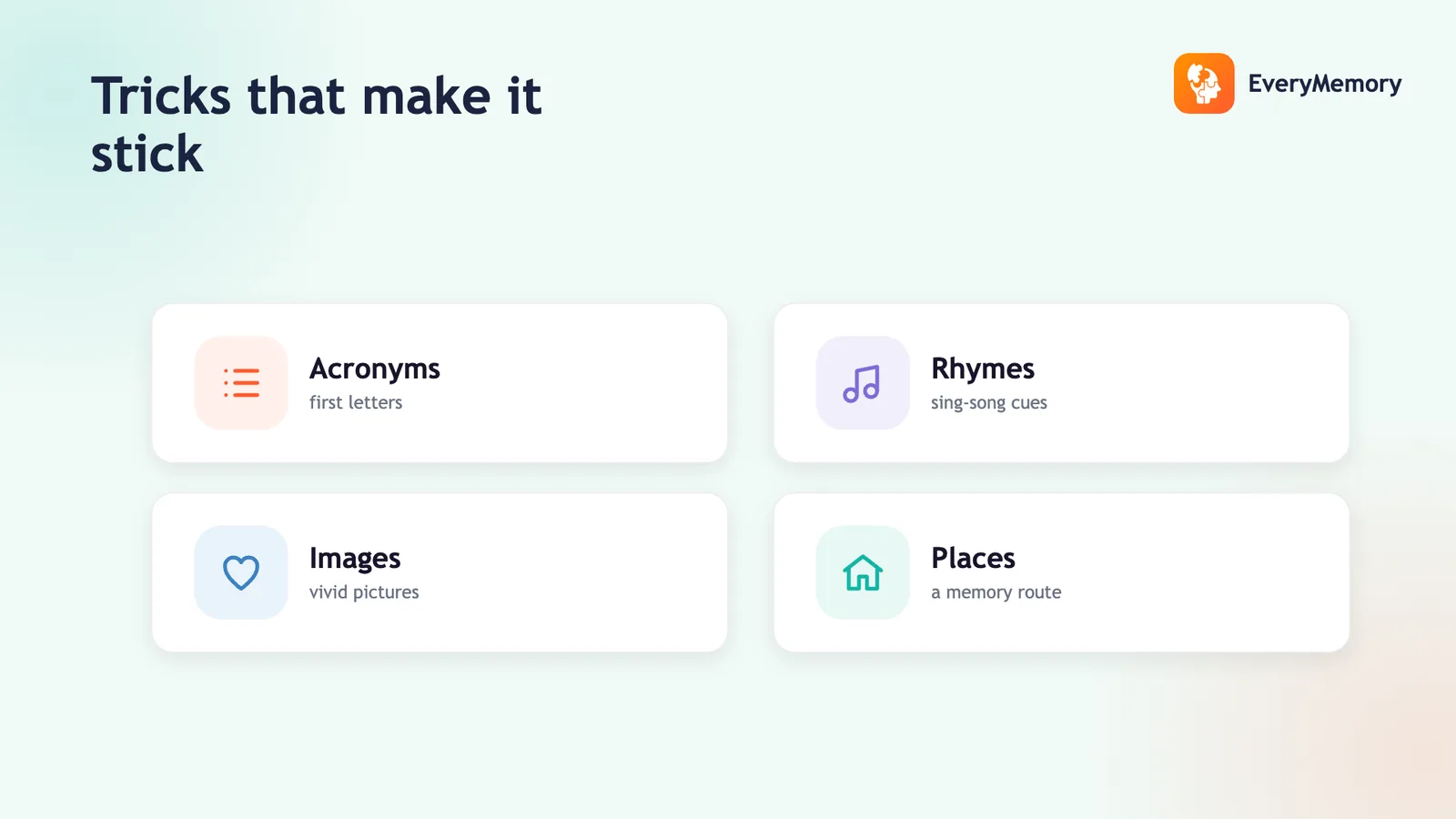
Once you have a passphrase, the goal is to move it from short-term into long-term memory. The techniques that do this reliably are the same ones used to memorise numbers, names, and facts, they just need a small adjustment for passwords.
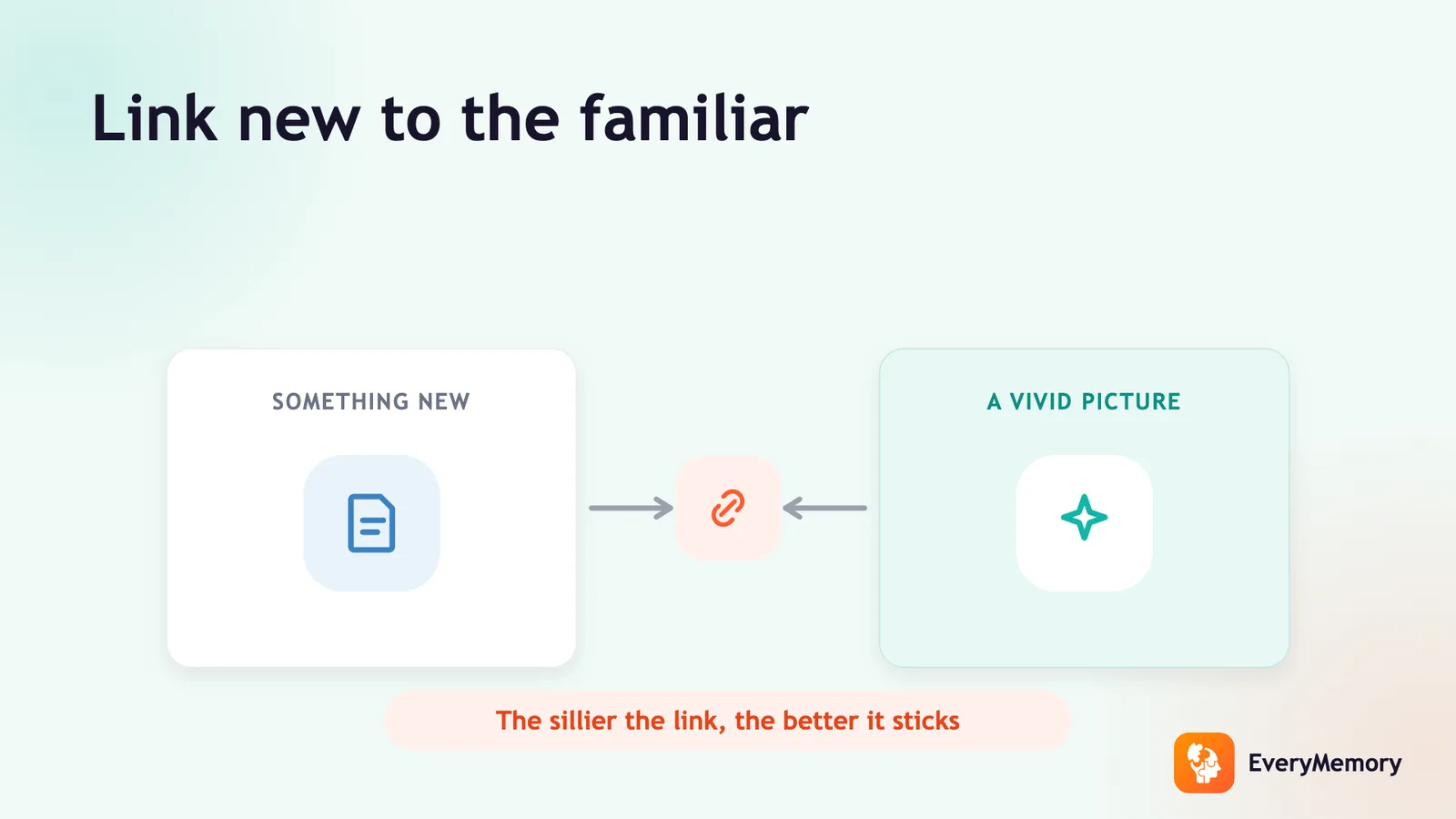
Mnemonics work by giving abstract information a concrete, sensory hook. For a passphrase, build one strong visual scene that encodes the words in order. The stranger and more vivid the scene, the harder it is to forget. A purple elephant juggling lemons on a Tuesday is more memorable than a neutral sentence.
Association links the new information to something you already know well. If your passphrase starts with the name of your childhood street, anchor the rest of the words to a mental walk down that street, each word sits at a different doorstep.
- Association and vivid imagery, build one unforgettable mental scene for your passphrase words in sequence.
- Chunking, break the passphrase into two or three shorter pieces and learn each piece separately before combining them, the same way a phone number feels easier in groups.
- Spaced repetition through natural use, type your passphrase yourself for the first week rather than letting a browser autofill it. Each login is a low-effort rehearsal that strengthens the memory trace without extra study time.
Numbers and PINs
Device PINs and numeric codes sit in a slightly different category, they are pure number sequences with no letters to form words. The good news is that the brain handles numbers well once you give them meaning.
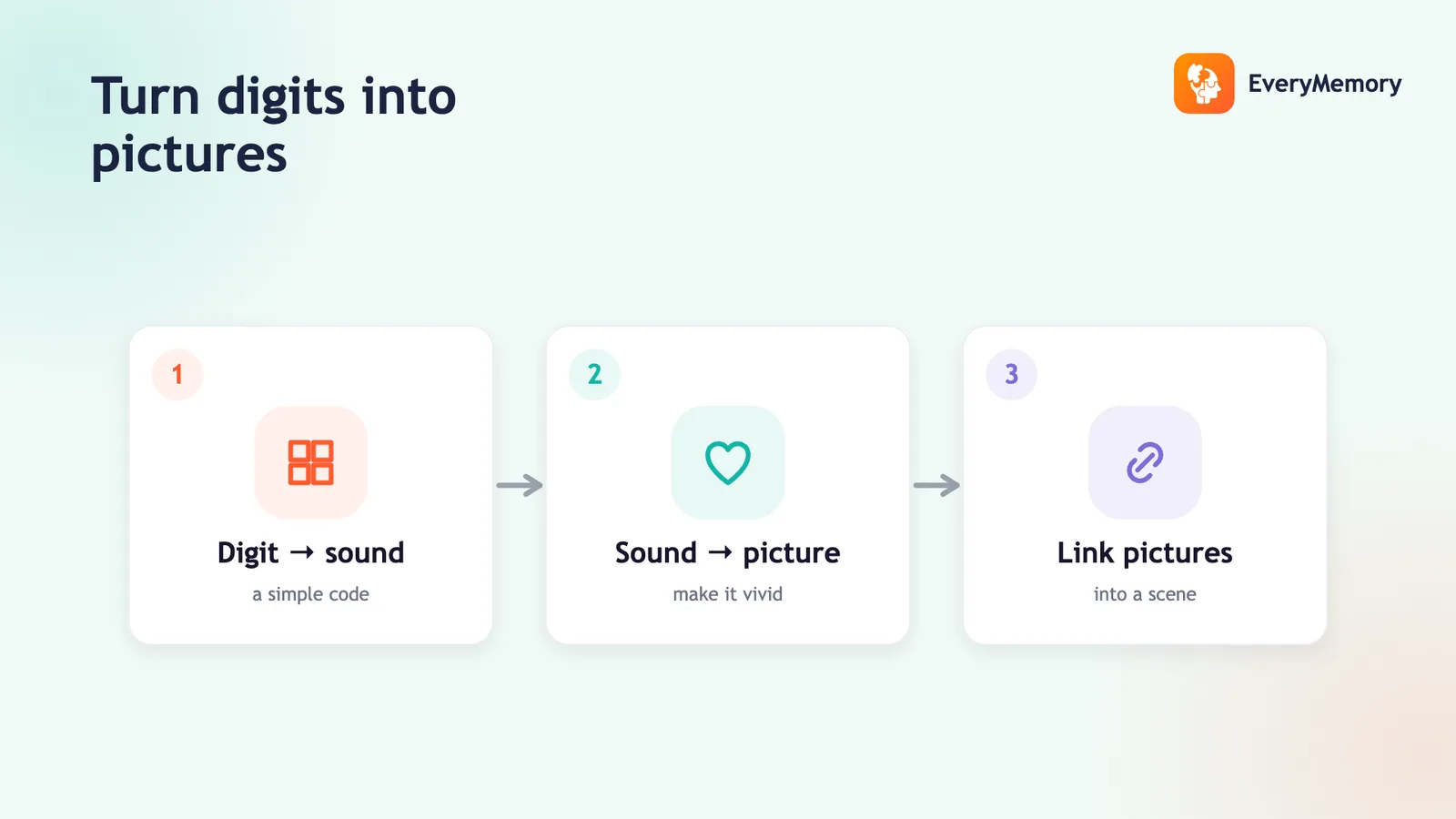
A four or six-digit PIN can be remembered as a date, a house number, or a short story: 2847 becomes "I was 28 when I moved to flat 47." For longer numeric passwords or codes, the techniques in how to memorise numbers and how to remember phone numbers and PINs walk through the major system and other structured approaches that convert digits into memorable words or scenes.
The same principle applies as with passphrases: make the number mean something personal, attach it to a vivid image, and rehearse it a few times over the first few days. After a week of daily use you will find it surfaces automatically.
The honest case for a password manager
A password manager is not a crutch for a poor memory, it is the responsible default for anyone who has more than a handful of online accounts. Here is why: the moment you reuse a password across two sites, a breach at one puts the other at risk. A manager generates long, random, unique passwords for every site and stores them encrypted behind one master credential.
That master passphrase is the one password you genuinely need to memorise by heart, so make it your strongest and most vividly anchored one. Everything else flows from it. Well-regarded managers (reputable options are widely reviewed by independent security journalists) work across devices, autofill securely, and alert you to known breaches.
The memory work in this article is not a replacement for that system. It is the complement: you become very good at recalling two or three critical credentials, and you stop trying to hold fifty mediocre ones in your head. That is both safer and, frankly, a much better use of your memory's limited space.
✅ Try this today - Make one unforgettable passphrase
Set aside five minutes to build a master passphrase you can recall with confidence. Follow these steps in order.
- Open a blank document and write down four words that have no obvious connection, pick them at random, or use a random word generator. Example: "blanket, orbit, fennel, Thursday."
- Spend sixty seconds building one vivid, ridiculous mental scene that links all four words in sequence. Picture it in a specific real location you know well (your kitchen, your childhood bedroom). The more absurd and sensory the image, the better it will stick.
- Type the four words as your passphrase (add a number and symbol if the site requires it, placed at a logical point you can remember, such as the year you moved home between words two and three). Close the document, wait ten minutes, then type it from memory. Repeat once that evening and once tomorrow morning. After three rehearsals spread across 24 hours, the passphrase should feel automatic.
⚠ When to talk to a professional
This is general memory and digital-habit guidance, not security or financial advice. For sensitive accounts, follow each provider's security recommendations and consult a qualified professional if needed.