 EveryMemory
The Cornell Note-Taking Method, Explained Simply
The Cornell system divides your page into three zones and forces you to self-test from your own notes. Here is exactly how to set it up, fill it in, and use it for real recall.
Part of the guide: How to Improve Your Memory: The Complete Beginner's Guide →
⚡ Quick answer
Divide a page into three zones: a wide right-hand Notes column for live recording, a narrow left-hand Cue column for questions and keywords added shortly after, and a Summary bar across the bottom written in your own words. After recording, cover the Notes column and use only the Cue column to recite the content aloud. That self-testing step is what separates Cornell from passive transcription.
Walter Pauk was a professor of education at Cornell University in the 1950s, and he noticed something consistent: students took pages of notes during lectures and then barely looked at them again. When they did review, they re-read passively, highlighting text or skimming headings, never testing whether anything had actually stuck. Their notes were archives, not tools. Pauk designed a page layout that forced a different habit - one where the act of reviewing a page was inseparable from the act of retrieving information from memory.
The Cornell method is not a complex system. It is one divided page and a short sequence of steps performed at precise moments relative to learning. What makes it effective is not the layout itself but the behaviors the layout demands: writing cue questions while material is still fresh, then covering your notes and attempting to answer those questions without peeking. That single step - covering and reciting - is active recall, and it is one of the most well-supported self-study behaviors in cognitive science. Cornell just makes it structurally unavoidable.
This guide covers exactly how to divide the page, what to write in each zone, the complete workflow from recording through review, a filled-in worked example for a specific topic, and how to adapt the method for digital tools, meetings, and reading books. It also covers the three mistakes that quietly hollow out the system and make it no better than plain linear notes.
The Page Layout: Three Zones, Specific Proportions
Draw a horizontal line about 5 to 6 centimetres from the bottom of the page - this creates the Summary bar. Then draw a vertical line roughly 6 centimetres from the left edge, running from the top of the page down to the horizontal line. Everything to the right of the vertical line and above the horizontal line is the Notes column. Everything to the left of the vertical line is the Cue column. The proportions matter: the Notes column should be noticeably wider than the Cue column, roughly 65 percent versus 35 percent of the usable width. The Cue column is deliberately narrow because it forces you to compress - a keyword, a short question, not a full sentence.
Label the top of the page with the date, the source (lecture title, chapter, meeting name), and the course or project. These three fields take thirty seconds and save you hours of confusion when you return to notes weeks later. Some Cornell templates add a short title at the very top above all three zones; this is optional but useful if you file notes by topic. The physical setup is the same whether you are using a notebook, a legal pad, or a template in a note-taking app.
The 6-R Workflow: When to Do What
Record - During the lecture, meeting, or reading session, write notes in the right-hand Notes column only. Use abbreviations, bullet fragments, and shorthand. Do not write in the Cue column yet; it stays blank during this phase. The goal is to capture main ideas and supporting detail without transcribing every word. Full sentences slow you down and give you the illusion of understanding without requiring it.
Reduce - Within a few hours of the session, before the material fades, go through your Notes column and distil each cluster of ideas into a keyword or a question in the Cue column to its left. A question is usually more powerful than a keyword because it defines exactly what you need to be able to answer. For a set of notes on the water cycle, a keyword might be "evaporation" while a question would be "What drives water from surface to atmosphere?" The question forces retrieval; the keyword only tags a location.
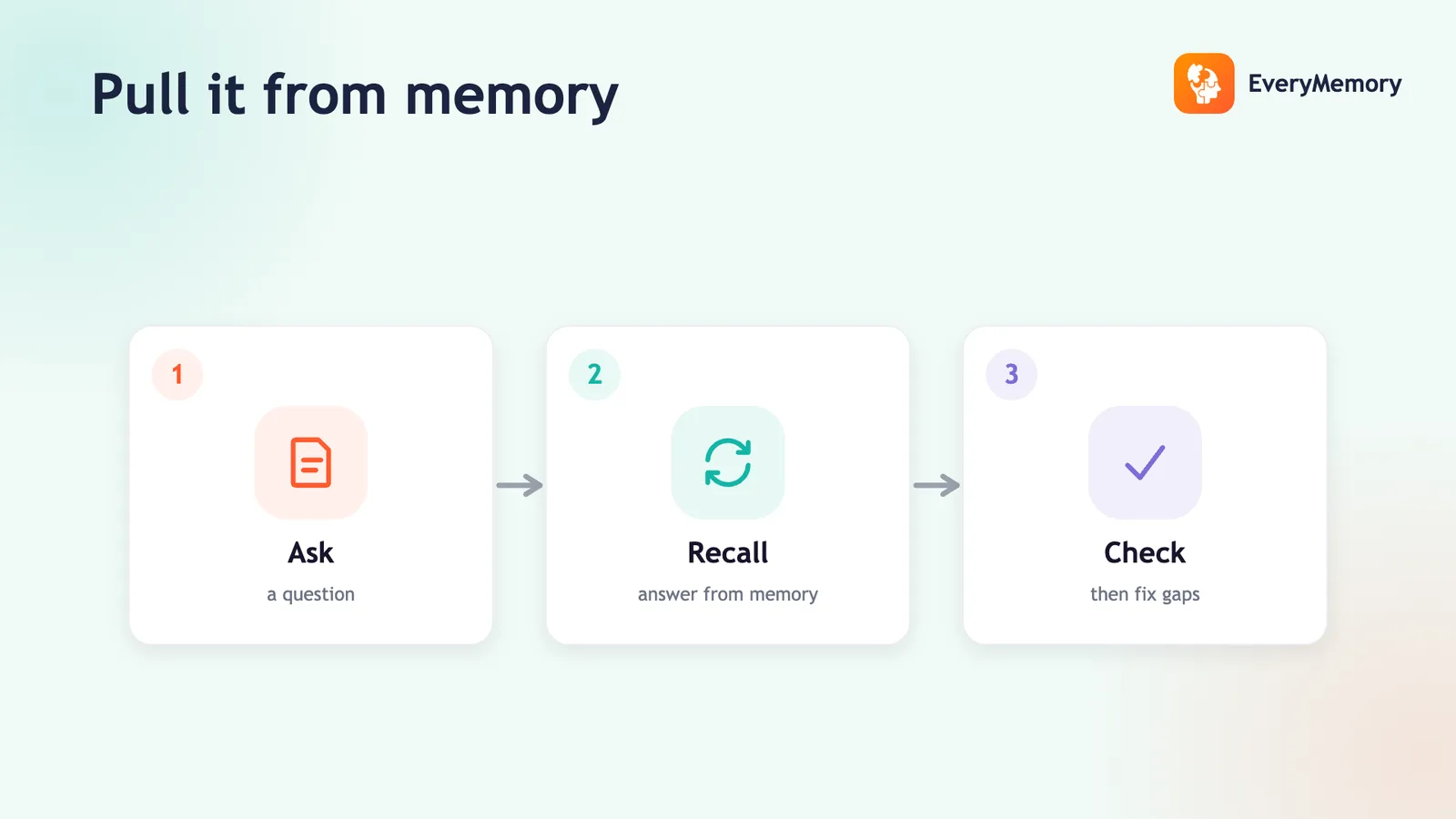
Recite - Cover the Notes column with a sheet of paper or fold the page. Look only at the Cue column. For each cue or question, speak your answer aloud (or write it on a separate sheet) before lifting the cover to check. This is the pivotal step. Re-reading notes feels productive but produces weak retention because nothing is being retrieved - information is just moving in front of your eyes. Reciting from cues forces your brain to reconstruct the material, which is the mechanism that strengthens memory. Active recall is not a trick; it is the difference between recognising something when you see it and being able to produce it independently.
Reflect - After reciting, spend a few minutes asking larger questions about the material: How does this connect to what I already know? Where does this contradict something I believed? What is still unclear? Reflection is not required for every session but it deepens encoding when you do it, and it surfaces genuine gaps rather than leaving them hidden under confident-looking notes.
Review - Return to the same set of notes on a spaced schedule: the next day, then after a few days, then weekly, then monthly. Each review session is another recite-from-cues pass, not another re-read. This is where Cornell intersects directly with the forgetting curve - spacing reviews so that each one lands just as retrieval is becoming difficult is what spaced repetition formalises. Cornell does not enforce a schedule automatically, so you need to calendar the review dates or use a flashcard app to handle the spacing logic.
Summarise - At the end of a session (or after the Reduce step), write a two to four sentence summary in the bottom bar in your own words. Not a copy of the first bullet point - a synthesis. If you cannot write the summary without looking at the notes, that is diagnostic: the material has not been understood yet, only recorded. The Summary bar gives you a compressed version of the page that you can skim first on every future review to orient yourself before reciting from the cues.
Worked Example: A Filled Cornell Page on Memory Consolidation
Imagine you have just read a chapter on how memories are stabilised after learning. Here is what a completed Cornell page might look like.
In the Notes column, you recorded: "Consolidation = process that stabilises a memory after initial encoding. Two types: synaptic (minutes-hours, changes at synapse level) and systems (days-years, transfer from hippocampus to cortex). Sleep critical for systems consolidation - slow-wave sleep replays hippocampal sequences. Stress hormones (cortisol) can impair consolidation if elevated chronically. Retrieval itself triggers reconsolidation - memory becomes temporarily labile again, then re-stabilises."
In the Cue column opposite those notes, you wrote: "What are the 2 types of consolidation?", "Why does sleep help?", "What does retrieval do to a consolidated memory?", "How does chronic stress affect consolidation?"
In the Summary bar at the bottom: "Consolidation stabilises memories at two levels - synaptic (fast) and systems (slow, needs sleep). Retrieval reopens a memory briefly, which is why self-testing strengthens encoding."
To review this page, you cover the Notes column, read "What are the 2 types of consolidation?" aloud, and attempt a full answer before uncovering. If you can answer all four cues without looking, the page is solid. If you stumble on "What does retrieval do to a consolidated memory?" you know exactly what to target next session. The cue questions have turned a passive reading record into a self-marking test.
Adapting Cornell for Digital Notes, Meetings, and Books
In a digital note-taking app such as Notion, Obsidian, or Apple Notes, replicate the layout with a two-column table: narrow left column for cues, wide right column for notes. Add a text block below the table for the summary. The recite step works the same way - collapse or hide the right column, or physically cover the screen on the right side. Some users prefer a toggle block where the answer is hidden until clicked. The mechanism is identical; what matters is that cues are separated from notes and that you are forced to answer before revealing.
For meetings, the Notes column captures action items, decisions, and key statements in real time. In the Cue column afterward, write the question each action item answers: "Who owns the Q3 report?", "What was decided about the timeline?". The Summary bar becomes a one-paragraph decision log. This makes Cornell notes far more useful than a raw transcript for anyone who was not in the room - and for yourself two weeks later when you cannot remember what was resolved.
For reading books or articles (see also how to remember more of what you read), Cornell works chapter by chapter. Read a section, close the book, write the Notes column from memory. Then write cue questions. This approach takes longer than underlining but the notes you produce are already partially self-tested. You can return to the cues days later without rereading the chapter. Combined with a reading log that tracks which chapters have been reviewed and when, this becomes a lightweight spaced-repetition system for non-fiction.
Why Cornell Beats Plain Linear Notes
Most note-taking is optimised for the moment of capture, not for the moment of recall. A linear page of bullet points is fast to write and easy to re-read, but re-reading a well-organised page of your own notes feels like learning when it mostly is not. You recognise the information because you wrote it; recognition is not the same as being able to produce it independently. Plain note-taking gives you a good archive; Cornell gives you a self-testing instrument built into the same page.
The structural advantage of Cornell is that it makes the lazier path unavailable. If you have filled in the Cue column, the only natural thing to do with the page is to cover the Notes column and test yourself - the page is physically set up for that. With a plain linear page, there is no built-in prompt to do anything except re-read. The method works partly because of the cognitive demands it places on you (recall is harder than recognition) and partly because of the environmental design: the page itself tells you what to do next.
The Three Mistakes That Hollow Out the System
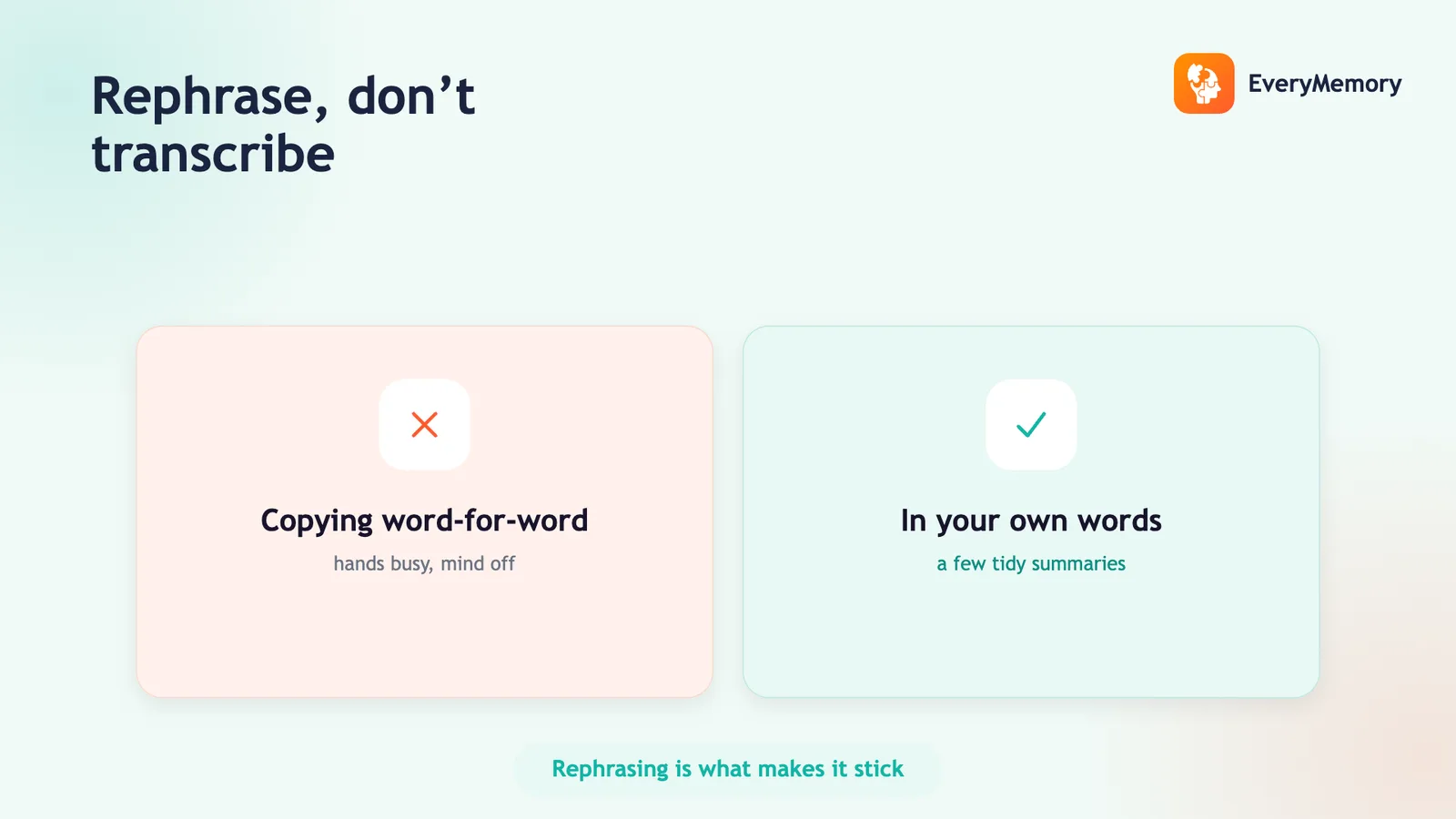
Writing full sentences in the Notes column. Full sentences during a lecture mean you are transcribing, not processing. You cannot keep up with a speaker at full-sentence speed and you end up with a word-for-word record that required no understanding. Use fragments, abbreviations, and shorthand. "Consolidation = synaptic + systems" carries the same information as four full sentences and forces you to understand before you write.
Skipping the Cue column. This is the most common failure mode. Students fill the Notes column during class, intend to add cues later, and never do. Without the Cue column, there is nothing to recite from and the page becomes a standard linear record. The Cue column must be filled in the same day, while the material is recent enough to compress intelligently. If you cannot fill in cues while the lecture is still clear in your mind, the quality of the cues will suffer.
Re-reading instead of reciting. Covering the Notes column and actually attempting answers before unchecking feels uncomfortable because you get things wrong. That discomfort is the point. The errors you make during recitation are the most useful signal in the entire system - they identify exactly what has not been retained, so you can target it. Students who lift the cover immediately after reading a cue (because they "just want to check") are converting a retrieval exercise into a recognition exercise and discarding most of the method's value. See also the broader framework for studying effectively to understand where Cornell fits into a full study routine.
✅ Try this today - Try It Tonight
Take your next set of notes - from a lecture, a meeting, or a chapter of a book - in the Cornell format and complete the full sequence the same evening.
- Before you start, draw the two lines that create your three zones: vertical line about 6 cm from the left edge, horizontal line about 5 cm from the bottom. Label the top with date and source.
- During the session, record notes in the right-hand column only. Use fragments and abbreviations. Leave the left column completely blank.
- Within two hours of finishing, go back through the Notes column and write a keyword or question in the Cue column opposite each main idea. Aim for one cue per concept cluster, not per bullet.
- Cover the Notes column and recite aloud from each cue. Check your answer only after you have attempted it. Write a two to three sentence summary in the bottom bar without looking at the notes. Schedule a second recite-from-cues pass for tomorrow.
⚠ When to talk to a professional
Cornell note-taking is a general study-skills practice and is not a substitute for professional advice on learning difficulties, attention, or memory concerns.