 EveryMemory
How to Build a Second Brain: A Simple Note System That Works
Your working memory holds about four things at once. A second brain holds everything else - here is a simple, tool-agnostic system to capture, organise, and review so nothing slips through.
Part of the guide: How to Improve Your Memory: The Complete Beginner's Guide →
⚡ Quick answer
A second brain is a single trusted system where you capture anything worth keeping, organise it by project or area, and review it on a regular schedule. The three-step loop is: capture (get it out of your head immediately), organise (sort by what it requires of you), and review (a brief daily scan and a weekly triage). The tool matters far less than the consistency of the habit.
You walk out of a meeting with three action items, a book recommendation, and a half-formed idea you want to follow up on. By the time you reach your desk, one of them is already fuzzy. By evening, you are not sure you remembered to write any of them down. This is not a character flaw - it is a working memory problem. Cognitive research consistently shows that working memory holds roughly four items at a time, and it degrades under even mild distraction or stress.
The solution is not to try harder to remember. It is to stop asking your brain to be a storage device and let it do what it is actually good at: making connections, solving problems, and generating ideas. A "second brain" - a trusted external system for capturing and organising everything your head should not have to hold - is how you do that. When you know that every task, idea, and reference is somewhere you will actually look, the background anxiety of "am I forgetting something?" mostly disappears.
This guide walks through a simple three-step framework (capture, organise, review) that works whether your tool is a paper notebook, Apple Notes, or something like Notion. The system is intentionally lightweight. You do not need to read a 300-page productivity book or redesign your entire workflow - you need one inbox, a handful of folders, and a ten-minute weekly habit.
Why Your Brain Was Never Meant to Be a Hard Drive
Working memory is the mental workspace where you hold and manipulate information in the moment. Most adults can keep three to five unrelated items active at once before something drops. Add a conversation, an open browser tab, or a notification, and that number shrinks. If you have ever gone to the kitchen for something and arrived with no idea why, you have experienced this capacity limit in action.
The stress of trying to hold too much is not just uncomfortable - it actively degrades the quality of thinking you can do. When your brain is busy rehearsing a to-do list so you do not forget it, it has less spare capacity for creative thought, careful judgment, or genuine attention on whoever is in front of you. As explored in this piece on multitasking and memory, splitting attention compounds the problem further.
Offloading information to an external system is not a sign of a weak memory. It is what allows the brain to operate as it was designed to: processing and connecting ideas rather than warehousing raw data. The goal of a second brain is not to replace thinking - it is to free up the mental bandwidth for thinking that actually matters.
The One Rule That Makes Any System Work: Trust It
The reason most note-taking experiments fail is not the choice of app. It is the absence of a single, reliable home. When ideas end up split across a paper notebook, a phone notes app, three different productivity tools, and a pile of email drafts, none of them feel trustworthy. You never quite believe you have captured everything, so the background mental rehearsal never stops.
The foundational principle is deceptively simple: one inbox, one system, and you check it. Everything funnels into one capture point first - a physical inbox tray, a single note titled "Inbox", a dedicated shortcut on your phone home screen. It does not matter which, as long as it is the same place every time. From there, items get sorted, but nothing lives in two places.
Starting with one app or one notebook and expanding only when you genuinely hit a limit is almost always better than building an elaborate system up front. Complexity is the enemy of consistency, and a half-used simple system outperforms an abandoned sophisticated one every time.
The Framework: Capture, Organise, Review
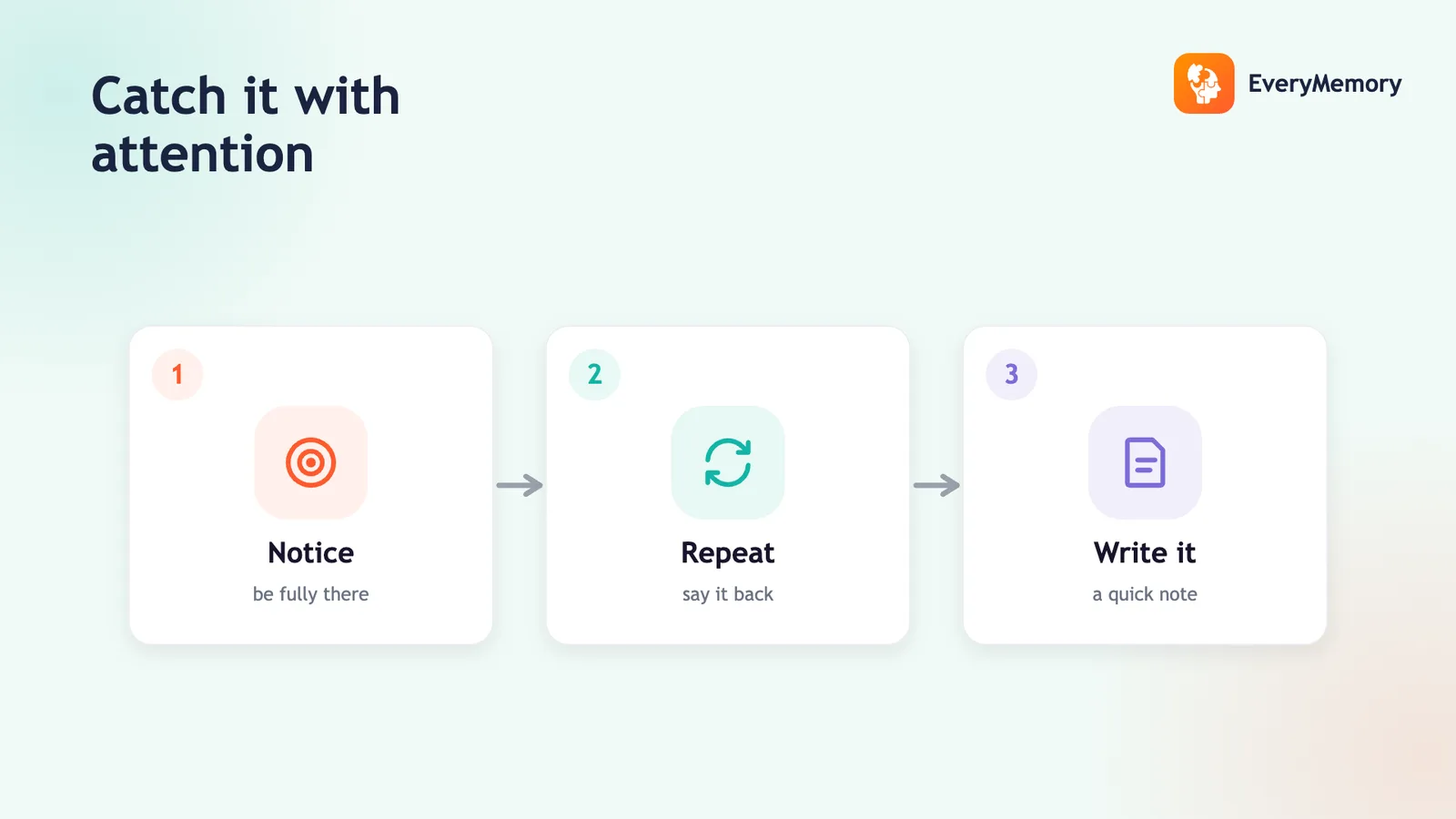
Capture means getting something out of your head the moment it arrives, before context shifts. The friction here has to be near zero. A voice memo while driving, a quick photo of a whiteboard, a one-line note typed on your phone - all valid. The only rule is that every capture lands in your single inbox, not wherever seemed convenient in that moment. If you find yourself thinking "I will remember this, I do not need to write it down", that is exactly the thought that should trigger a capture.
Organise does not mean filing things immediately as they arrive - that would make capturing too slow. Instead, once or twice a day you process the inbox: for each item, ask what it requires. Is it a task? It goes on a task list tied to a project. Is it reference material you might need later? It goes into a relevant folder. Is it an idea to incubate? It gets tagged or placed somewhere you review occasionally. A simple four-folder structure (Projects, Areas, Resources, Archive) is enough for most people - active projects in Projects, ongoing responsibilities in Areas, reference material in Resources, and everything completed or dormant in Archive.
Review is the keystone that holds the system together. Without it, your second brain becomes a write-only archive you never trust. A daily scan takes two or three minutes: glance at today's tasks, check the inbox for anything that came in overnight. The weekly review is more deliberate - roughly ten to fifteen minutes to process any remaining inbox items, check each active project for a next action, and note anything coming up in the week ahead. This is the habit that converts a collection of notes into a system you genuinely rely on.
What Actually Belongs in Your Second Brain
Anything your brain would otherwise rehearse to avoid forgetting belongs in the system. Tasks and commitments are the obvious ones - any promise you made, any deadline, any errand. But the system becomes genuinely powerful when you also capture ideas and half-thoughts, because these are precisely what working memory drops first when life gets busy.
Reference information is equally important: notes from books you are reading (more on retaining what you read here), highlights, links, and summaries. Meeting notes. Appointment details - dates, addresses, confirmation numbers - the kind of logistical detail that causes disproportionate stress when lost (see managing appointments for a dedicated approach). Anything you might want to find again in six months belongs in the system rather than in your head.
One thing that does not belong in your second brain: understanding. If you are studying something you need to genuinely know and internalise - a language, a technical skill, the core ideas from an important book - storing a summary in your notes is not enough. That requires active retrieval practice, not just reference filing. Your second brain is a tool for offloading logistics and capturing raw material; active recall is the tool for building durable knowledge.
A Worked Example: One Idea Through the Full Loop
Suppose you are on a walk and have an idea: you want to start cooking more meals at home to save money. That thought arrives, and instead of trusting yourself to remember it, you pull out your phone and drop a voice memo into your inbox app: "Idea - cook at home more, look up easy batch cooking recipes." Friction: five seconds. Done.
That evening, during your inbox processing, you see the memo. You decide it is a small project, so you create a note titled "Home Cooking" in your Projects folder. You break it into two next actions: find three batch cooking recipes online, and check what equipment you already have. Both go on your task list with no due date yet - they are not urgent, just actionable.
On Sunday during your weekly review, you see the project. You have not touched it. You ask yourself: do I still want to do this? If yes, you pick one next action and schedule it. If the idea no longer interests you, you move the note to Archive - it is preserved, not lost, but it is not cluttering your active list. That loop, repeated consistently, is the entire system. No elaborate tagging, no color-coded categories. Just capture, organise, review.
Choosing Your Tool and Actually Starting
The best tool for a second brain is the one you will actually open. A physical notebook is fast to capture in and requires no onboarding, but searching it later is slow. Apple Notes, Google Keep, or any default phone notes app work well for most people and sync across devices automatically. Apps like Notion or Obsidian offer more structure and linking between notes, but they also require more setup - worth it only once you have the basic habit established.
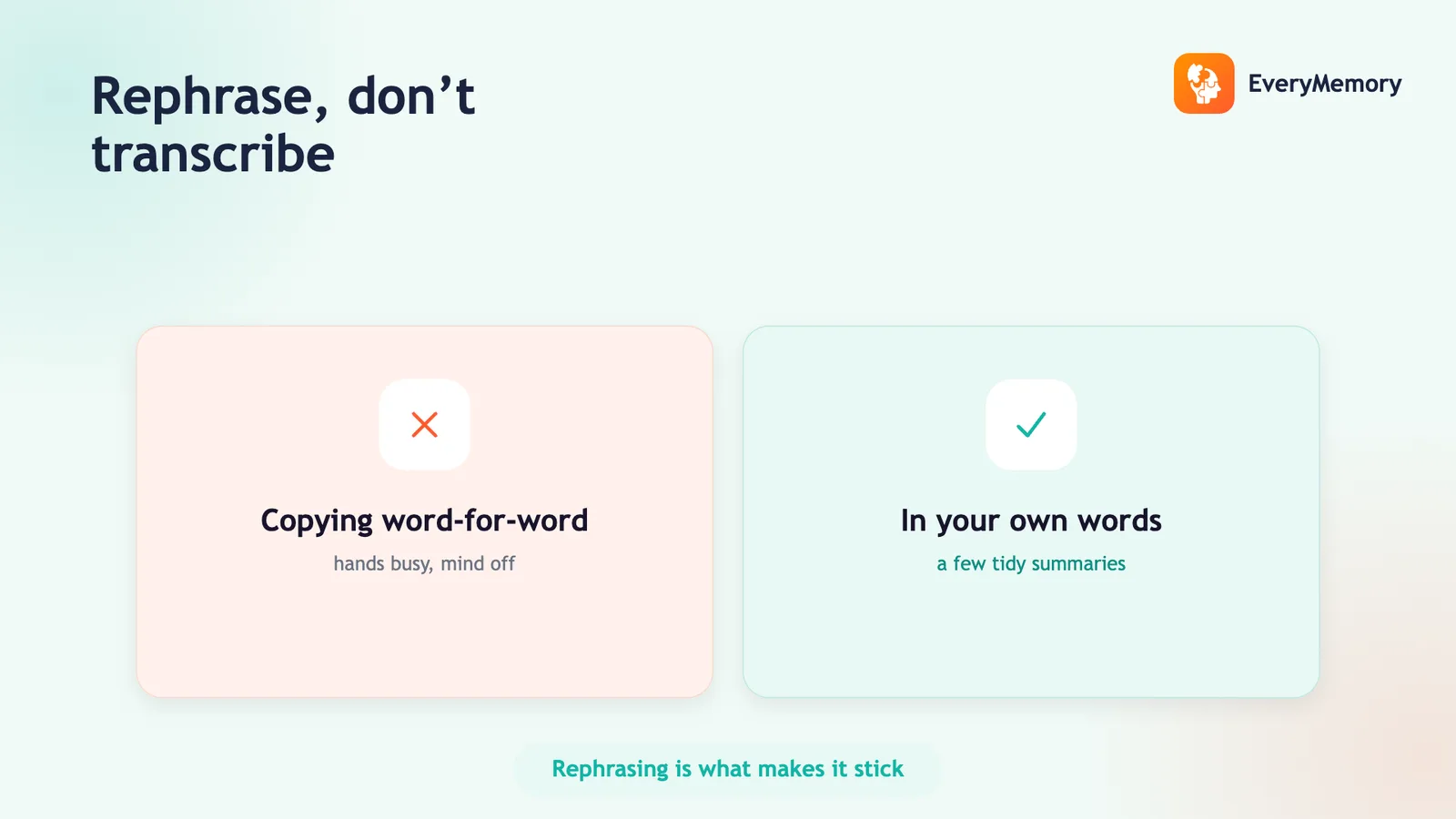
Start with whatever feels lowest friction right now. Create one note or page called "Inbox" and use it exclusively for one week. Do not worry about organising, categorising, or linking. Just capture everything that would otherwise live in your head, and do one ten-minute review at the end of the week. That single week will teach you more about what you actually need from a system than any amount of research. Good note-taking habits underpin the whole approach, and sharpening those habits pays dividends across every area the system touches.
Resist the urge to optimise before you have data. Most people who abandon productivity systems do so because they spent more energy building the system than using it. The goal is not a beautiful, perfectly organised second brain - it is a trustworthy, regularly checked one. Ugly and used beats elegant and abandoned every time.
✅ Try this today - Set Up Your Second Brain This Week
This four-step exercise takes under twenty minutes and gives you a working system by the end of the week.
- Pick one capture point - a physical notebook, a phone notes app, or a simple digital inbox note - and commit to it for seven days. Label it clearly so you reach for it automatically.
- For the next seven days, capture everything your brain would otherwise try to hold: tasks, ideas, reminders, references, things you want to look up. Do not organise yet - just capture.
- On day three, spend five minutes processing the inbox: sort each item as a task (put it on a list), reference (file it in a folder), or idea (keep it visible somewhere). Delete anything no longer relevant.
- On day seven, do your first weekly review. Process anything left in the inbox, check each active task for a clear next action, and notice what the week would have looked like without the system.
⚠ When to talk to a professional
This article is for general wellness and everyday productivity purposes only and does not constitute medical advice - if you have concerns about significant or sudden changes in memory, please consult a qualified healthcare professional.